




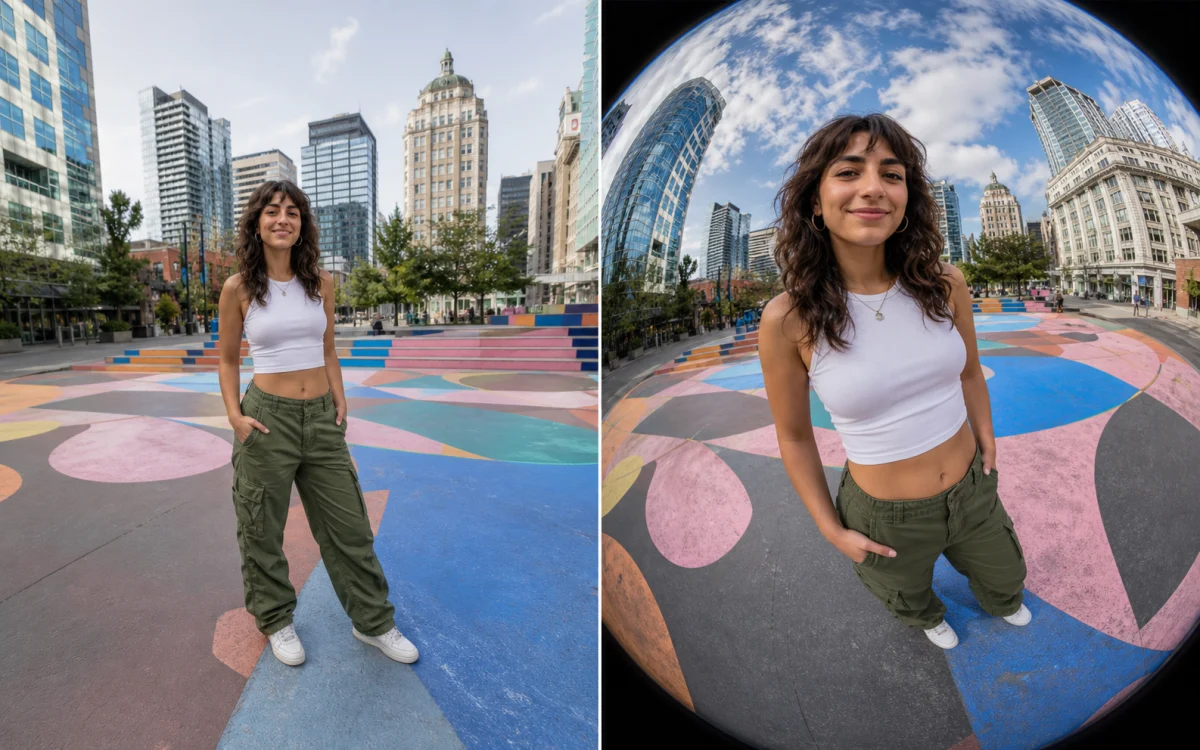
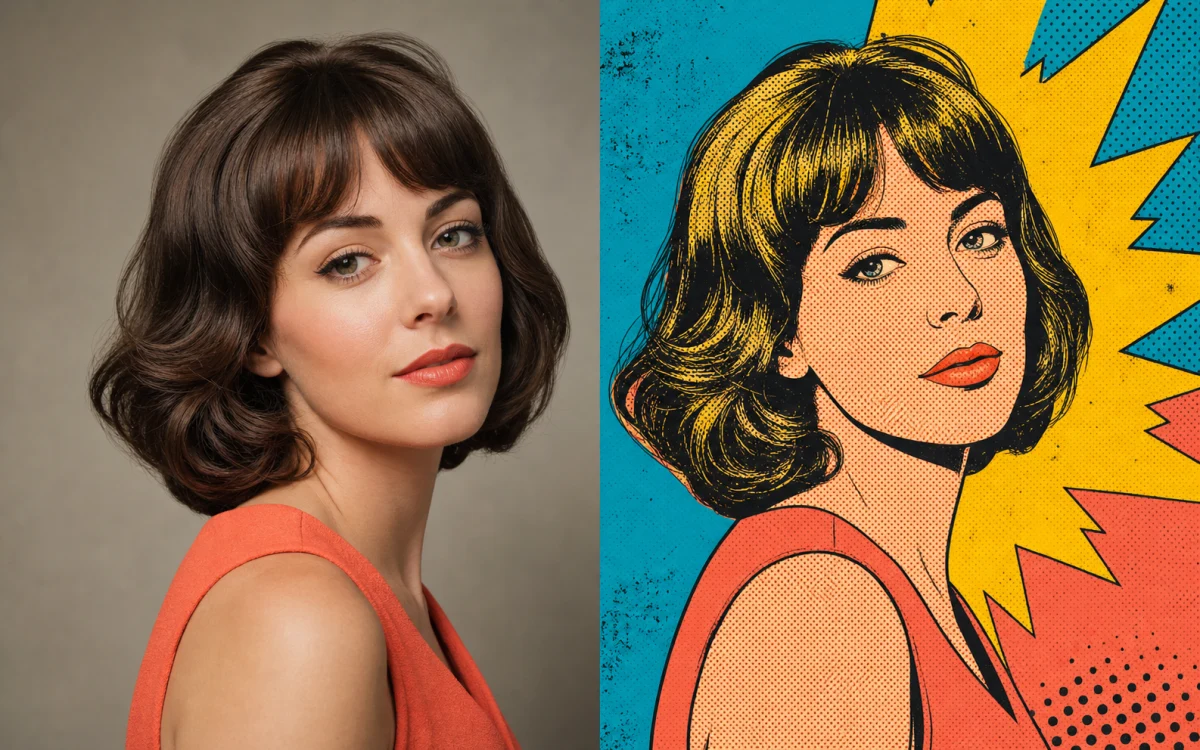

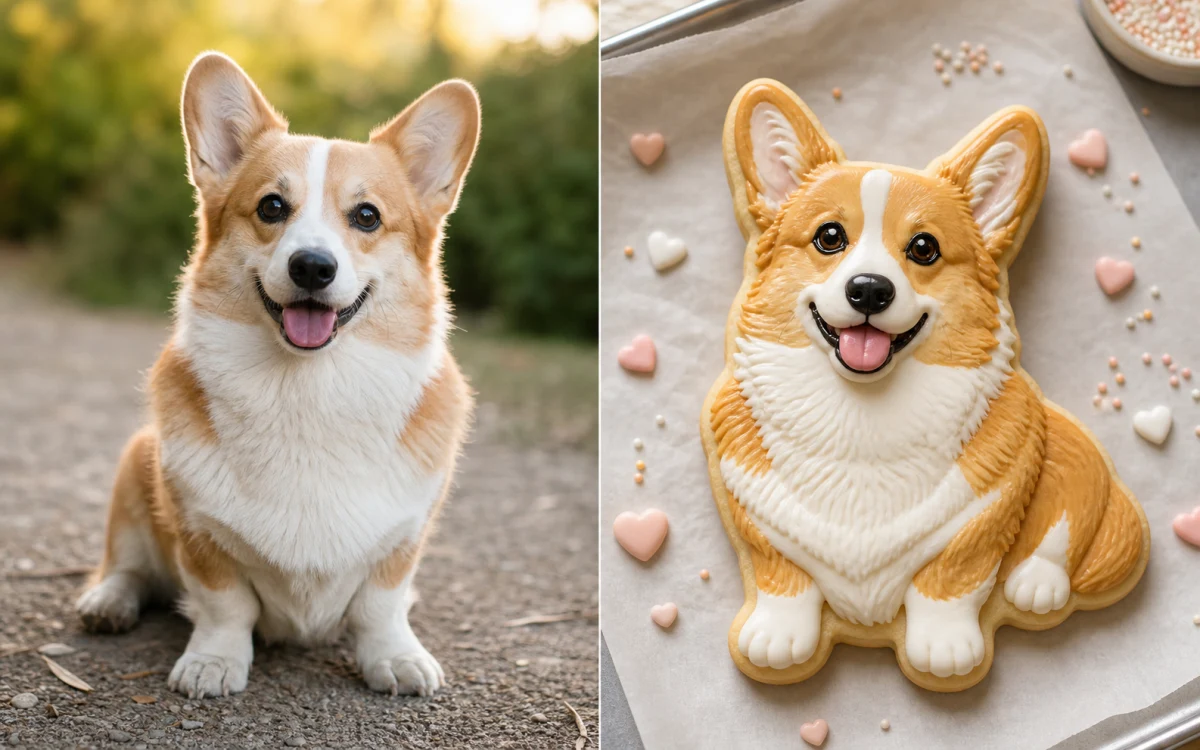
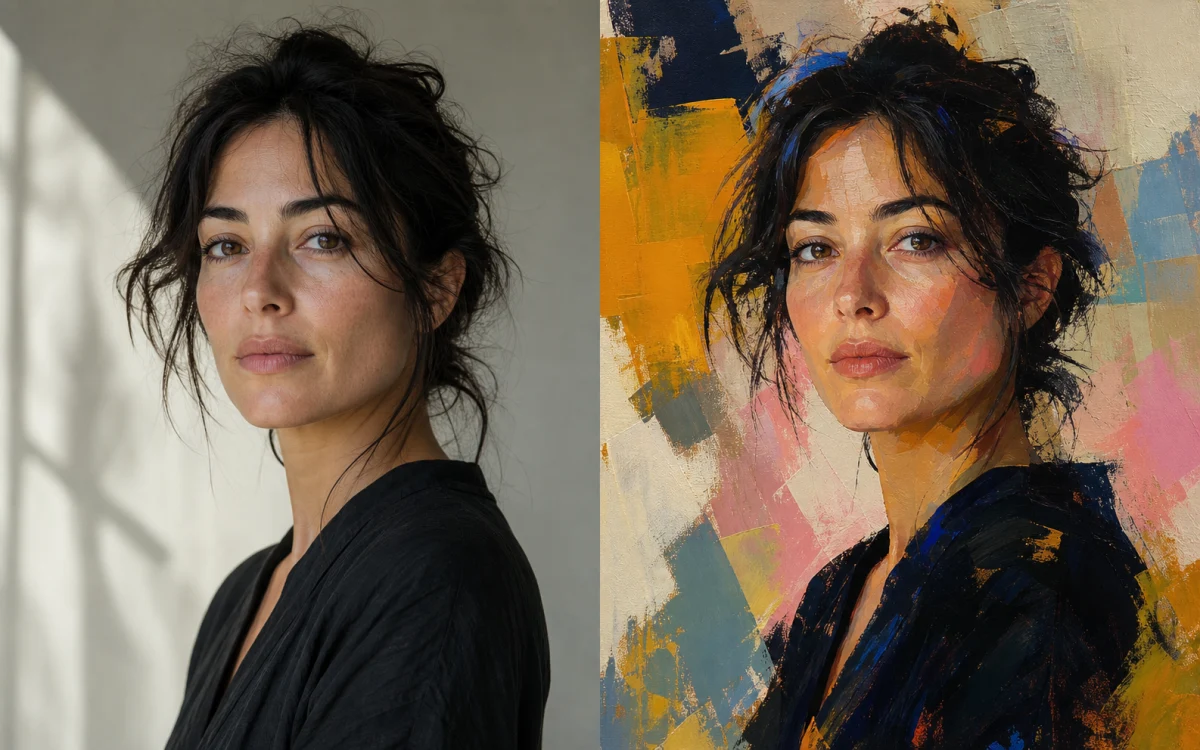




Zero-Cost Exploration
Prototype as many visual directions as you need in the local demo before connecting a provider.
Create polished images in seconds · No login · Unlimited demo ideas
Reference images
Canvas Motion is here
Limited preview · explore image and video ideas
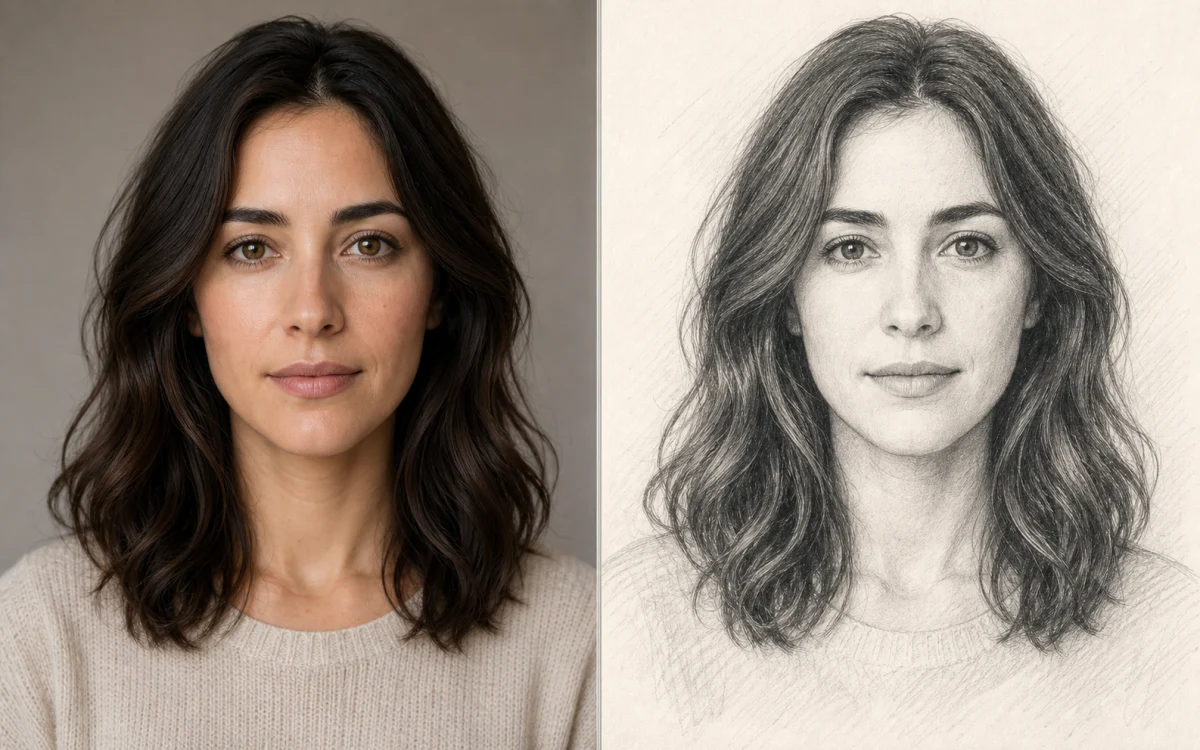
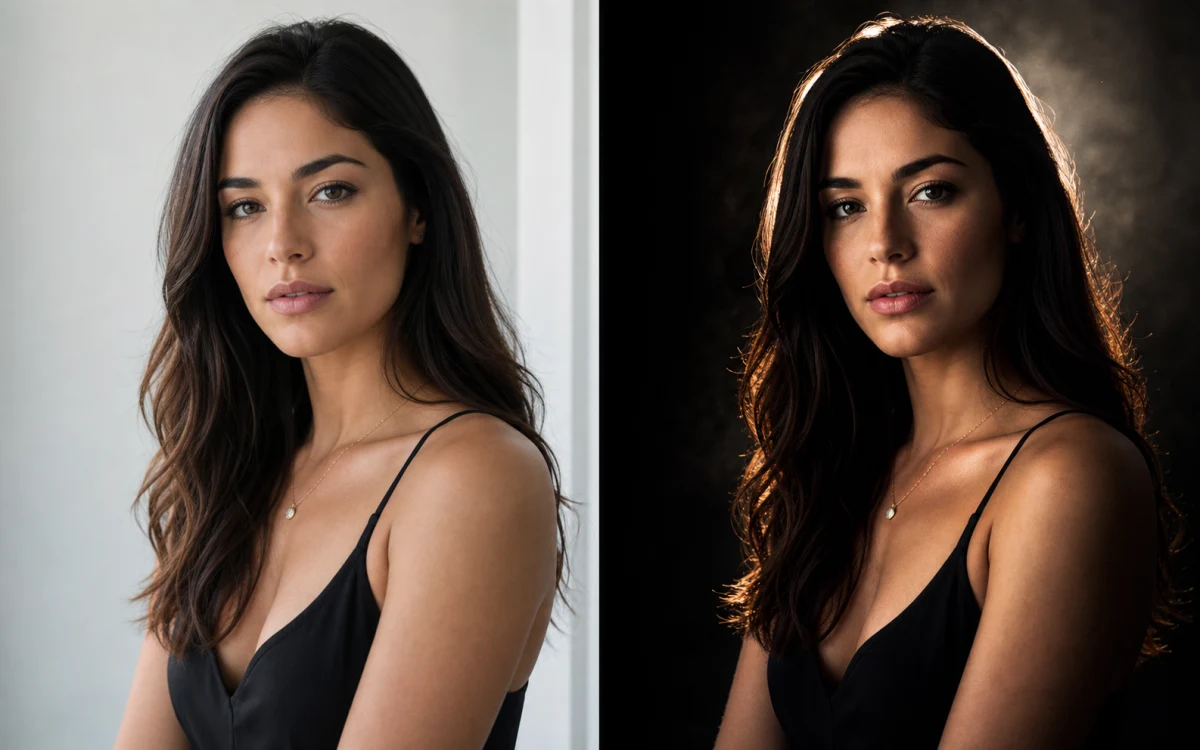
Retouch, replace, and restyle with simple instructions
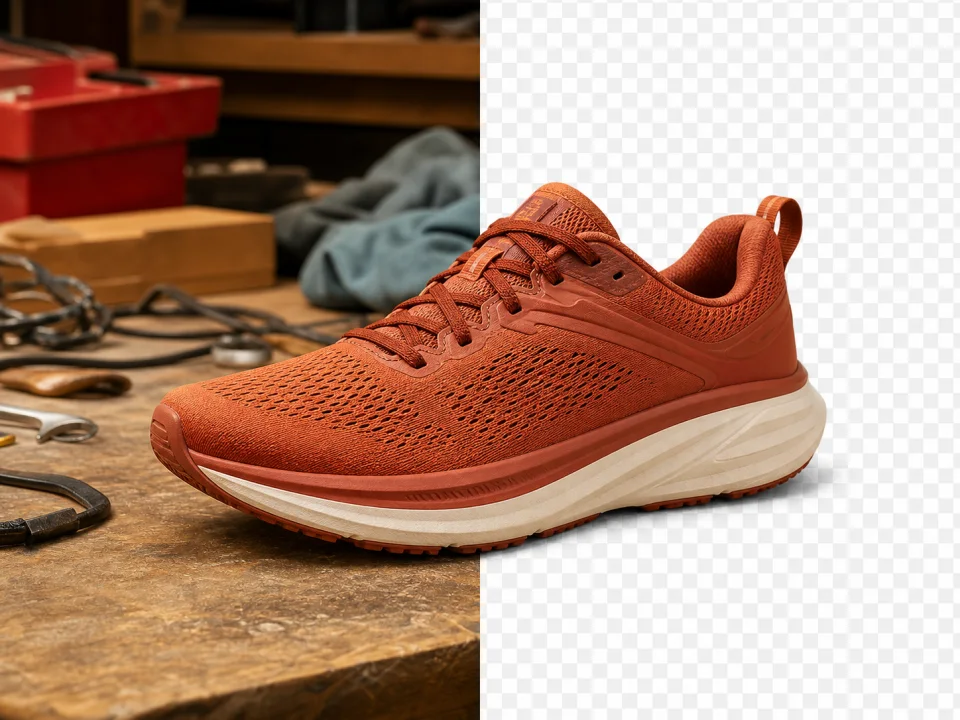
Create clean transparent cutouts in seconds
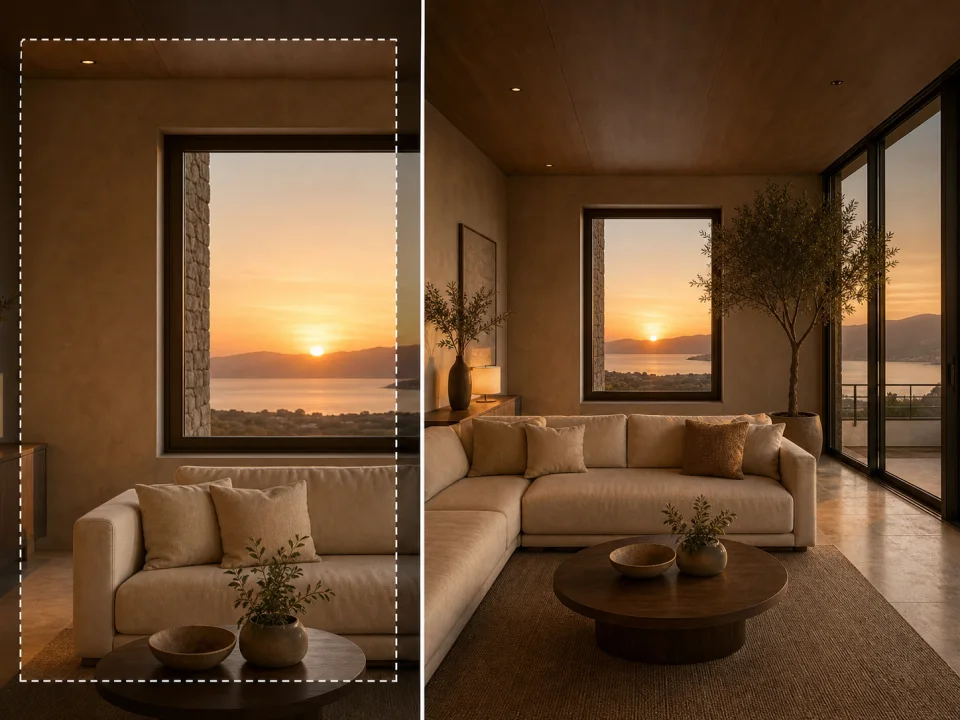
Extend scenes beyond their original frame
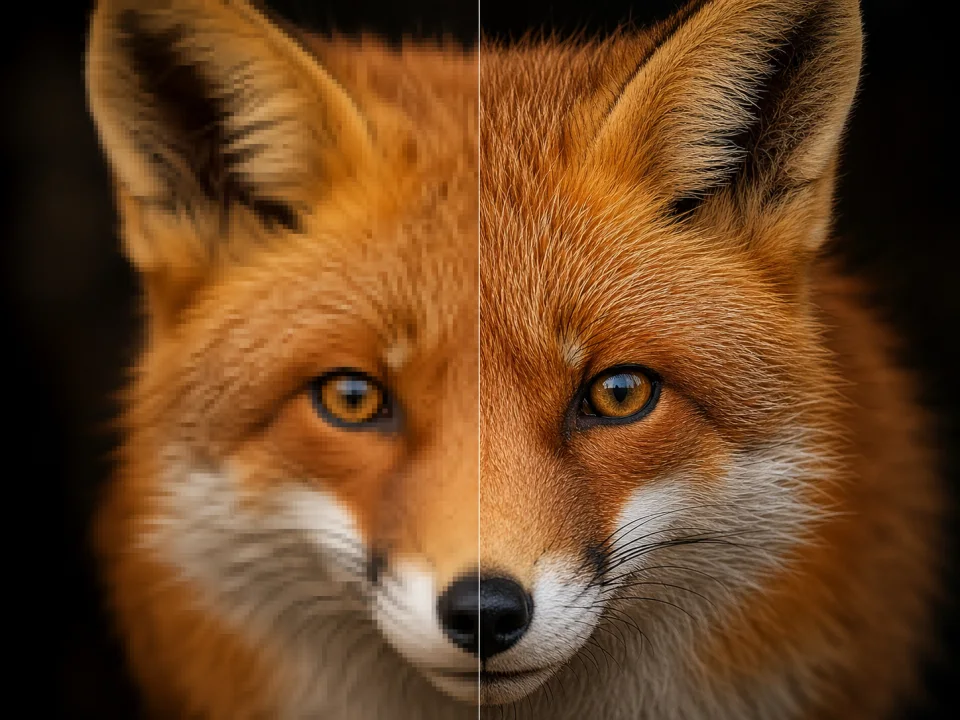
Recover detail for sharper, larger exports
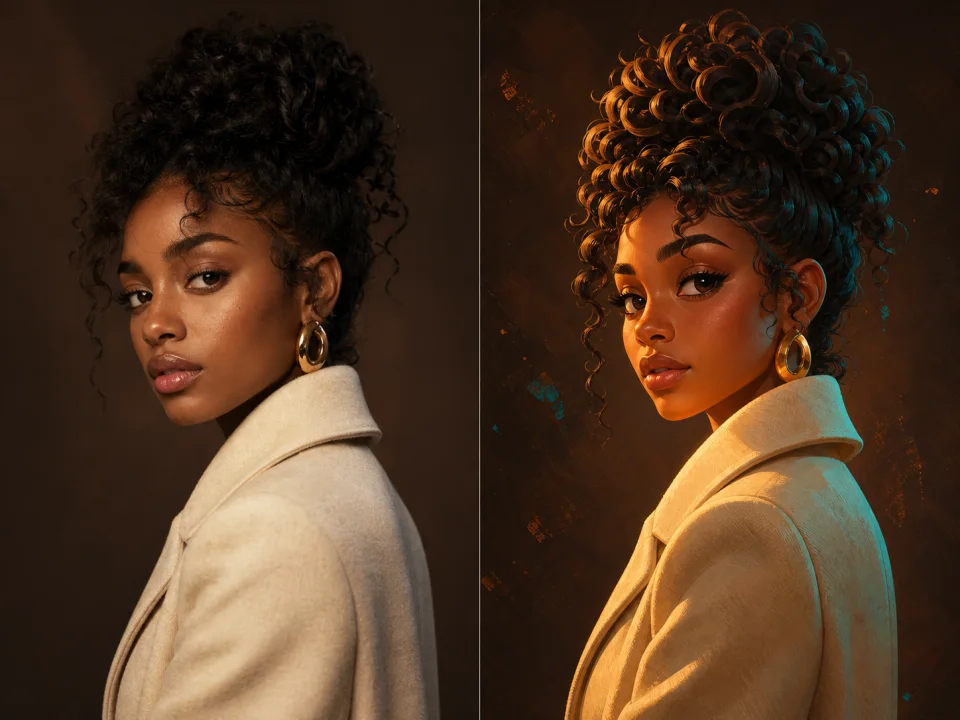
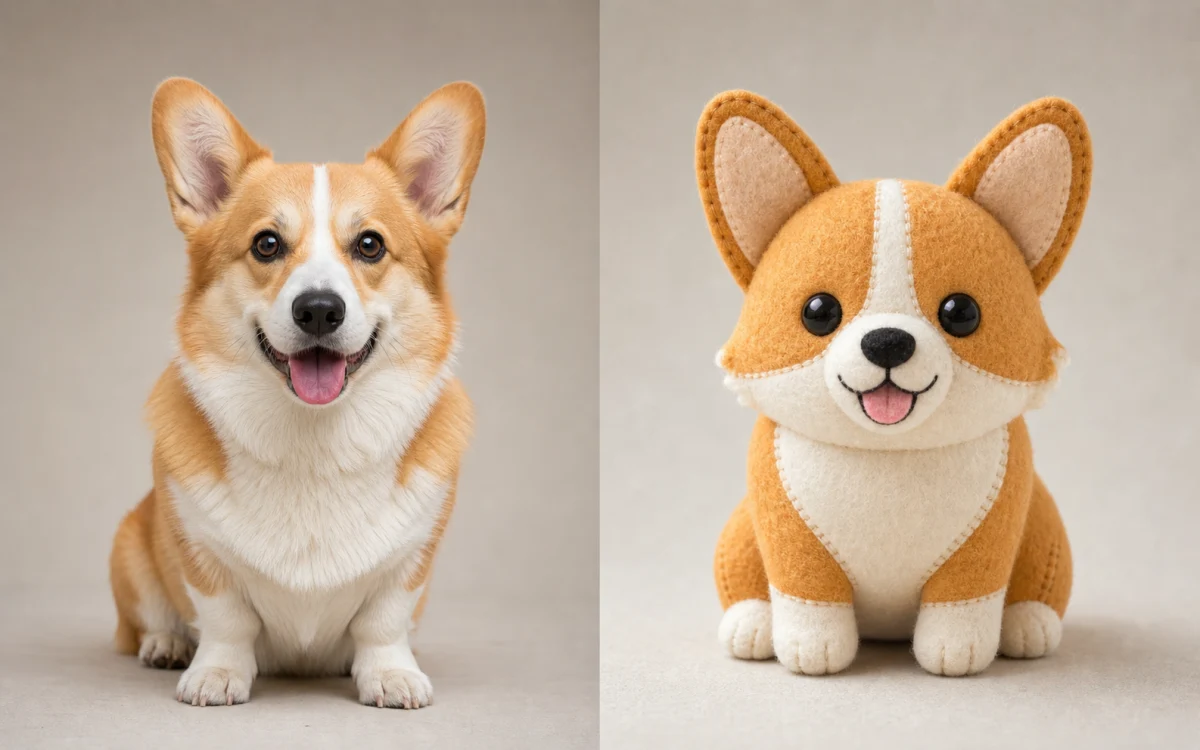
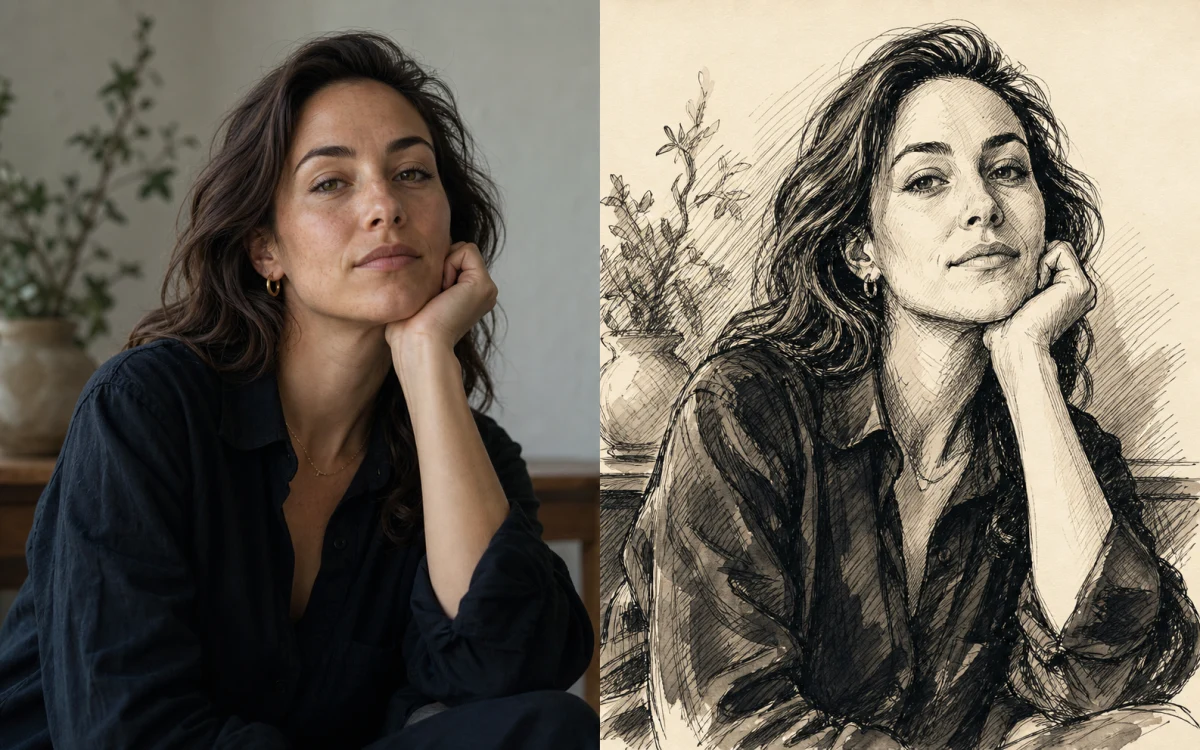
Move an idea between editorial, 3D, anime, and art

Lower-cost video drafts with rich reference control

Precise prompts, clean text, and polished product shots

Fast 1K generation and editing for rapid iteration

Professional 1K and 2K generation with multi-reference editing
Smooth motion and natural cinematic choreography
Native audio, high-resolution output, and cinematic realism
Multi-reference edits with fast style control

Fast short-form text and first-frame video generation
A preview of the next-generation video model
Start with a visual direction, then make the prompt your own
Elegant seasonal composition with cozy décor.
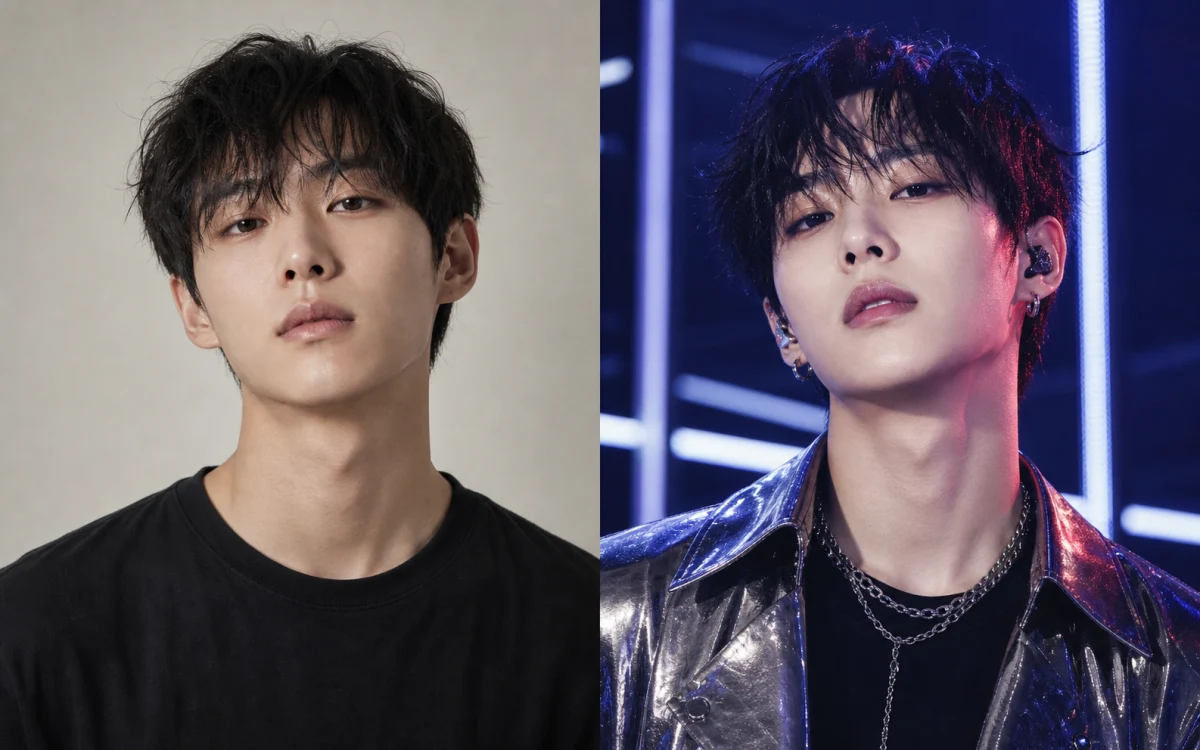
Polished concept-photo styling with star presence.
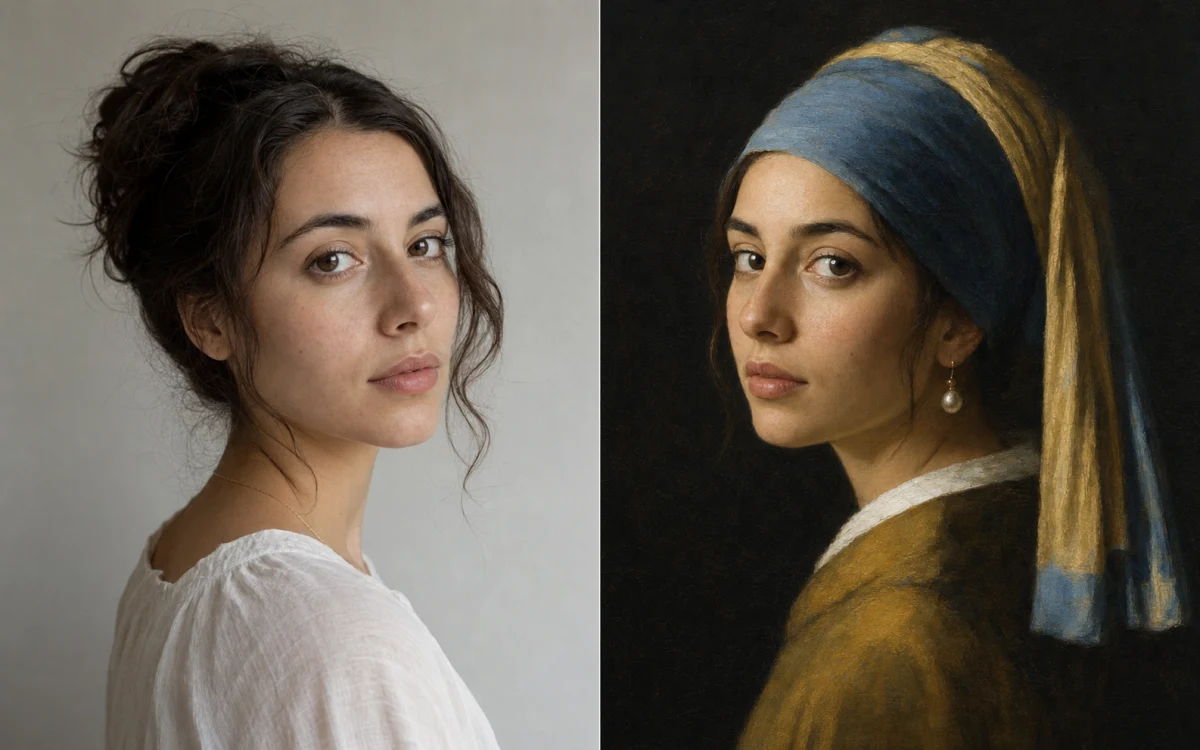
A quiet old-master portrait with luminous pearl light.
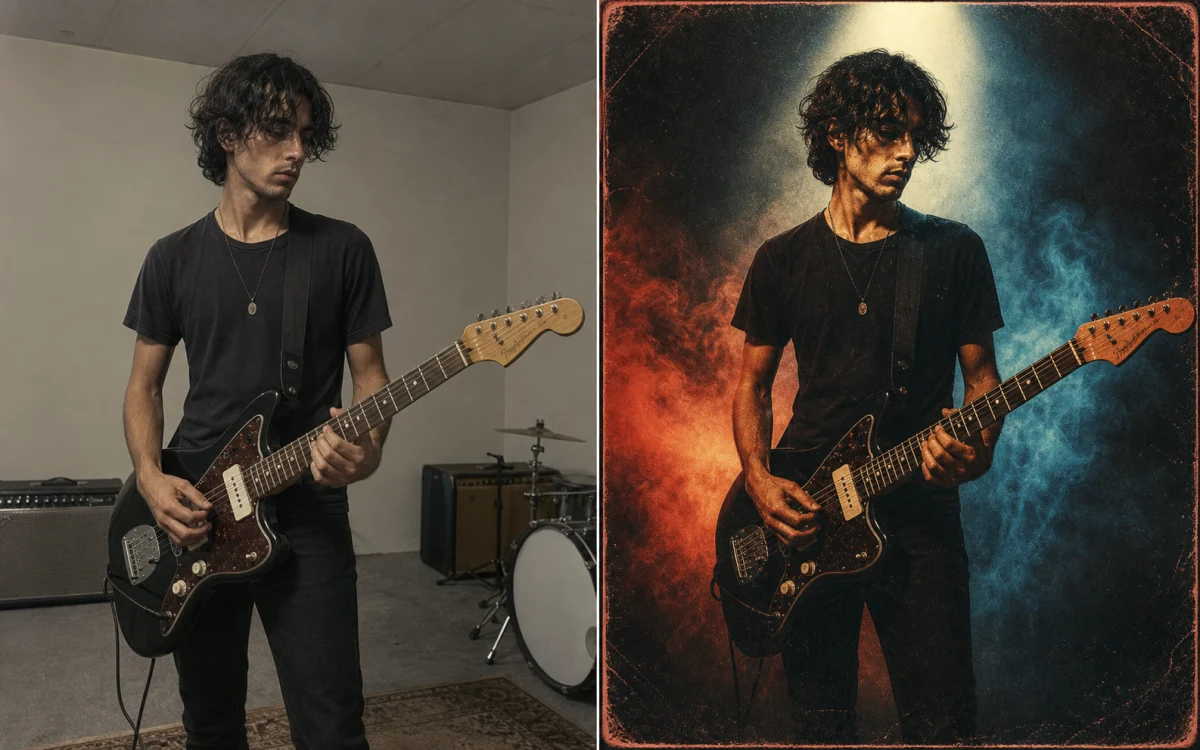
A bold physical vinyl sleeve concept without fake lettering.
A flattering new outfit while identity and pose stay fixed.
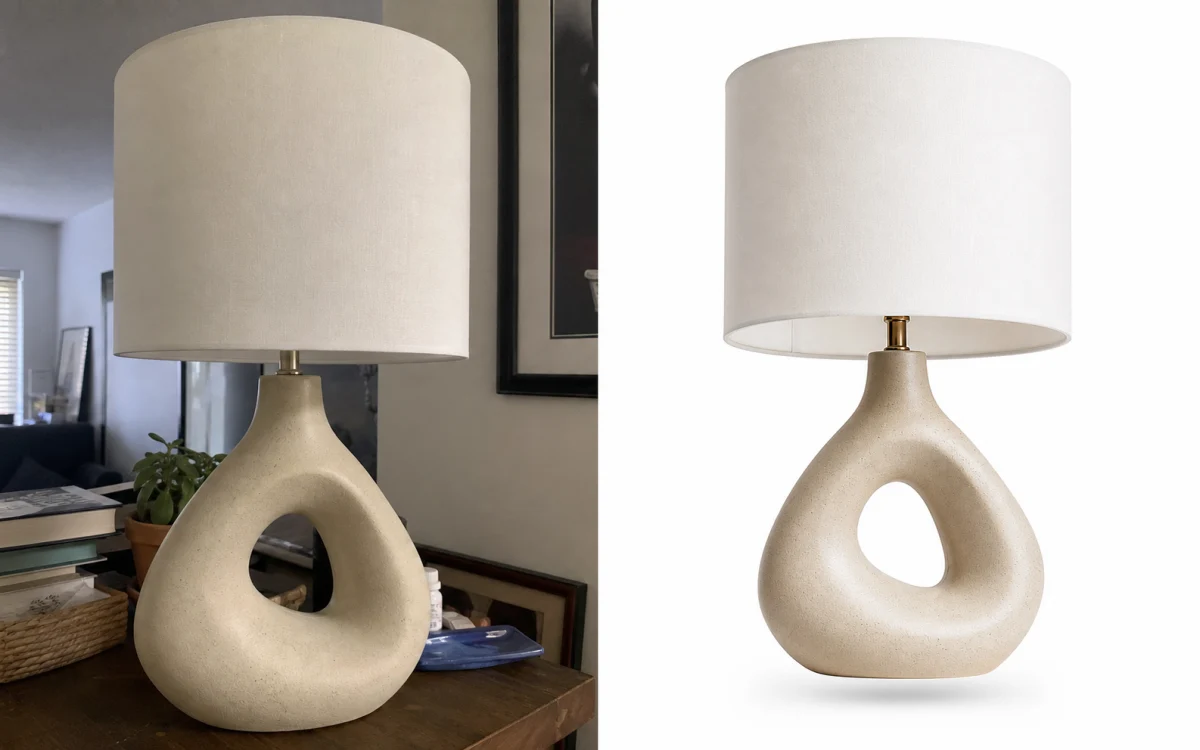
A clean high-end catalog image on pure white.
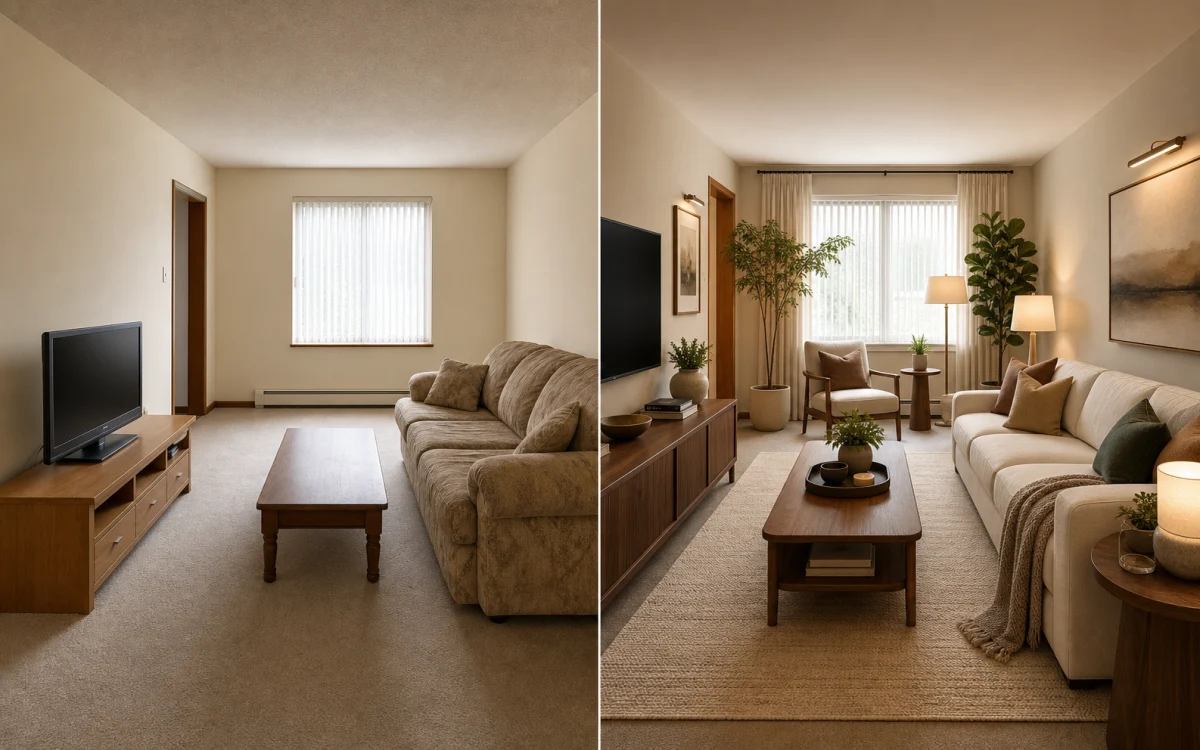
New furniture integrated with correct light and perspective.
Subtly coordinated looks in a candid shared moment.
Clear formal framing for a trustworthy profile.
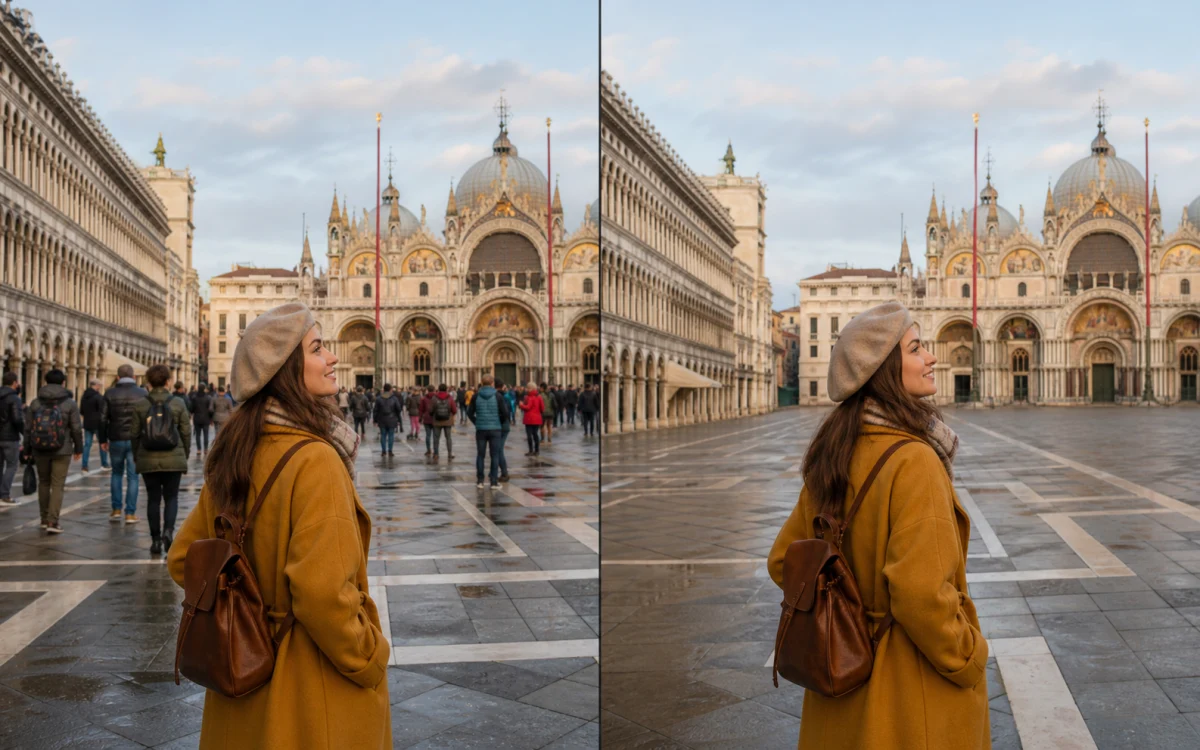
Remove distractions and reconstruct the scene naturally.
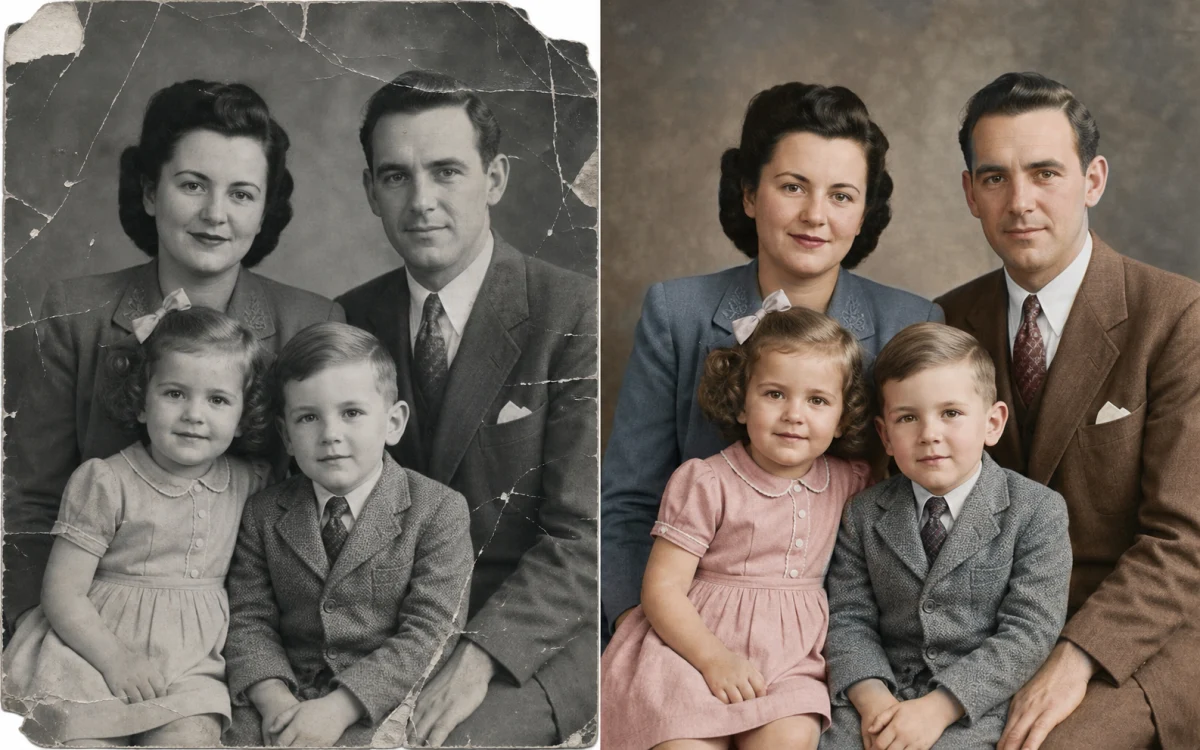
Modern clarity without changing the people or moment.
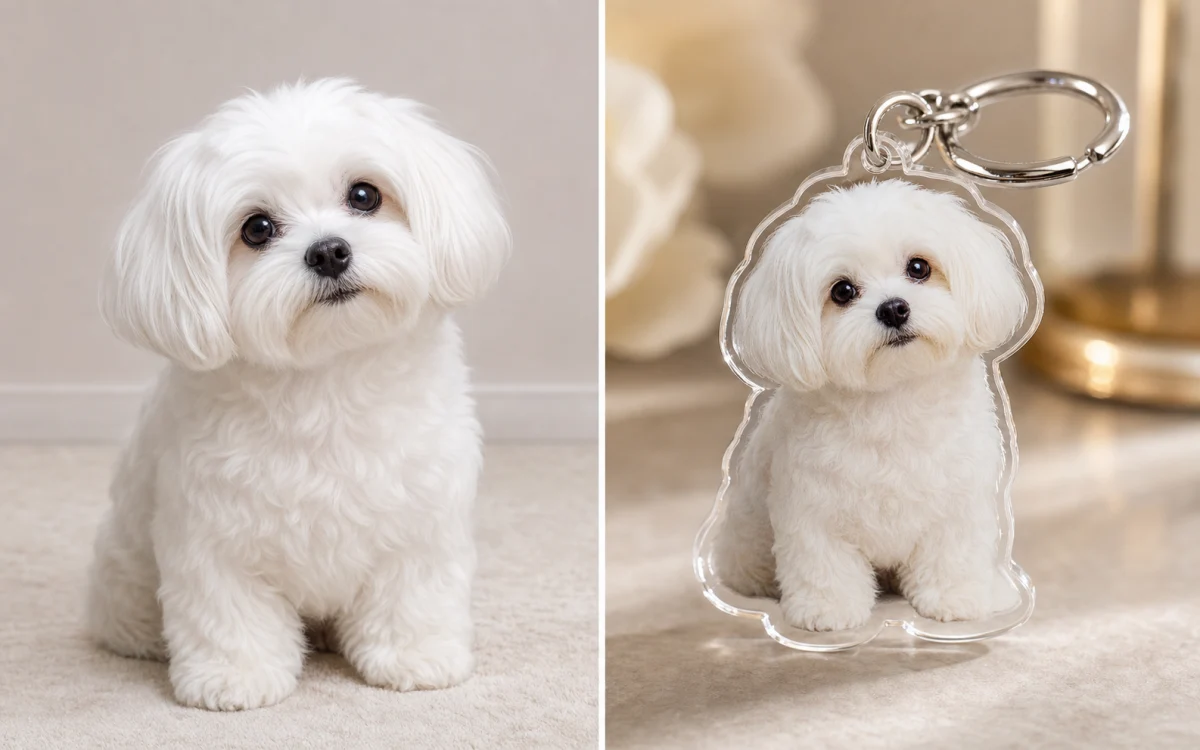
A glossy miniature collectible attached to a metal ring.
A focused creative workspace for fast, private, and flexible visual exploration.
Prototype as many visual directions as you need in the local demo before connecting a provider.
Purpose-built controls keep composition, aspect ratio, quality, and output count easy to understand.
Structured prompt guidance helps turn complex creative intent into an actionable visual brief.
Preset prompts and a sticky composer make it quick to jump between discovery and refinement.
Local previews stay in your browser and the demo does not send prompts or files to an AI provider.
Move from editorial realism to illustration, 3D, anime, sketch, and abstract art without changing tools.
Move from a rough idea to a presentation-ready concept without losing your direction.
Explore multiple prompt directions without losing your place. The shared composer keeps the current idea available while you browse the entire page.

A faster way to turn fuzzy ideas into clear visual directions.
“The preset gallery gets me from blank page to a usable campaign direction in minutes.”

Freelance Designer
“I can explore a concept on mobile and continue refining the same prompt at my desk.”

Content Creator
“It is rare to find an AI concept tool that explains its demo boundaries this clearly.”

Product Manager
“The preset gallery gets me from blank page to a usable campaign direction in minutes.”
Freelance Designer
“I can explore a concept on mobile and continue refining the same prompt at my desk.”
Content Creator
“It is rare to find an AI concept tool that explains its demo boundaries this clearly.”
Product Manager
Free images include a watermark. Upgrade for clean outputs, faster generation, and commercial use.
For individual creators
For active creative teams
For high-volume studios
Everything you need to understand this Canvas AI demo.
Canvas AI is an independent front-end demonstration of a responsive AI image studio. It helps you explore prompts, references, styles, and output settings without calling a paid model.
Yes. Every interaction on this homepage runs locally and does not consume provider credits.
No. Generate demonstrates loading, completion, and recovery states with local artwork only.
No account is required to explore the homepage demo. Sign-in routes remain available for the wider ShipAny application.
The interface supports visual briefs for portraits, products, environments, illustration, abstract art, and motion concepts.
No. Reference previews use temporary browser object URLs and are not sent to a server.
You can add up to three image files and remove any preview before generating.
Yes. The complete generator reorganizes into touch-friendly labelled controls at mobile widths.
The main generator and sticky composer share local React state for the current browser session.
It keeps your working idea accessible while you browse inspiration, styles, features, and pricing.
It is a local interface state that previews how assisted prompt refinement would be controlled.
Image mode includes Seedream and Nano Banana variants plus GPT Image 2. Video mode includes Seedance, Kling, and Veo options, with capability-aware settings.
Video mode demonstrates the same workflow and URL state, but it does not render a real video.
Yes. Common image and video ratios are available, with responsive controls for desktop and mobile.
Fast Mode is a demonstrative priority toggle and does not create billing or queue activity.
The pricing cards link to the existing pricing page; this homepage does not begin checkout.
Yes. Canvas AI uses independent code, branding, copy, prompts, and generated assets.
Yes. The product name comes from environment configuration and the content comes from Paraglide messages.
Add an authenticated API route and a dedicated module service, then wire it to the existing AI task and credit infrastructure.