GPT Image 2 Prompt FAQs
Questions about prompt length, reference images, readable text, product prompts, iteration, and using the examples in ClipLumi.
What makes a good GPT Image 2 prompt?
A useful prompt gives the model a visible job rather than a pile of adjectives. State the subject and action first, then describe composition, camera position, lighting, materials, exact short text, and any details that must stay fixed. The best structure depends on the task, so remove sections that do not matter instead of making every prompt long.
Do longer GPT Image 2 prompts always work better?
No. Length is useful only when each sentence adds a concrete constraint or relationship. A shorter prompt that clearly defines subject, frame, lighting, materials, and exclusions can be easier to evaluate than a long prompt full of repeated quality words.
How should I write a GPT Image 2 product-photo prompt?
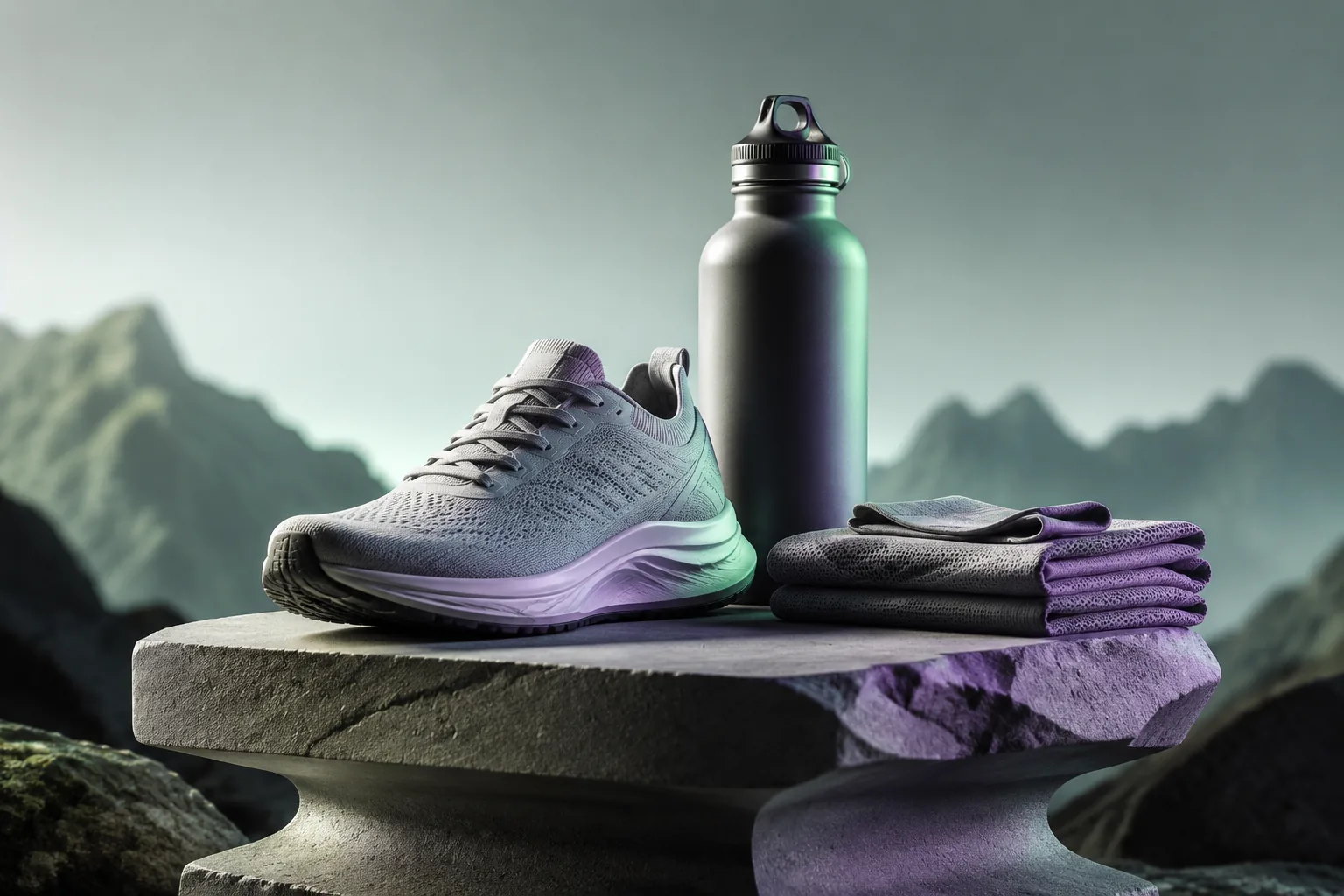
Describe the product as the visual authority, then separate the commercial changes. Name the shape, proportions, colors, label placement, materials, and camera angle that should remain consistent before describing the new background, lighting, surface, props, crop, or negative space. Review brand-critical details after generation.
How do I prompt GPT Image 2 to create readable text?
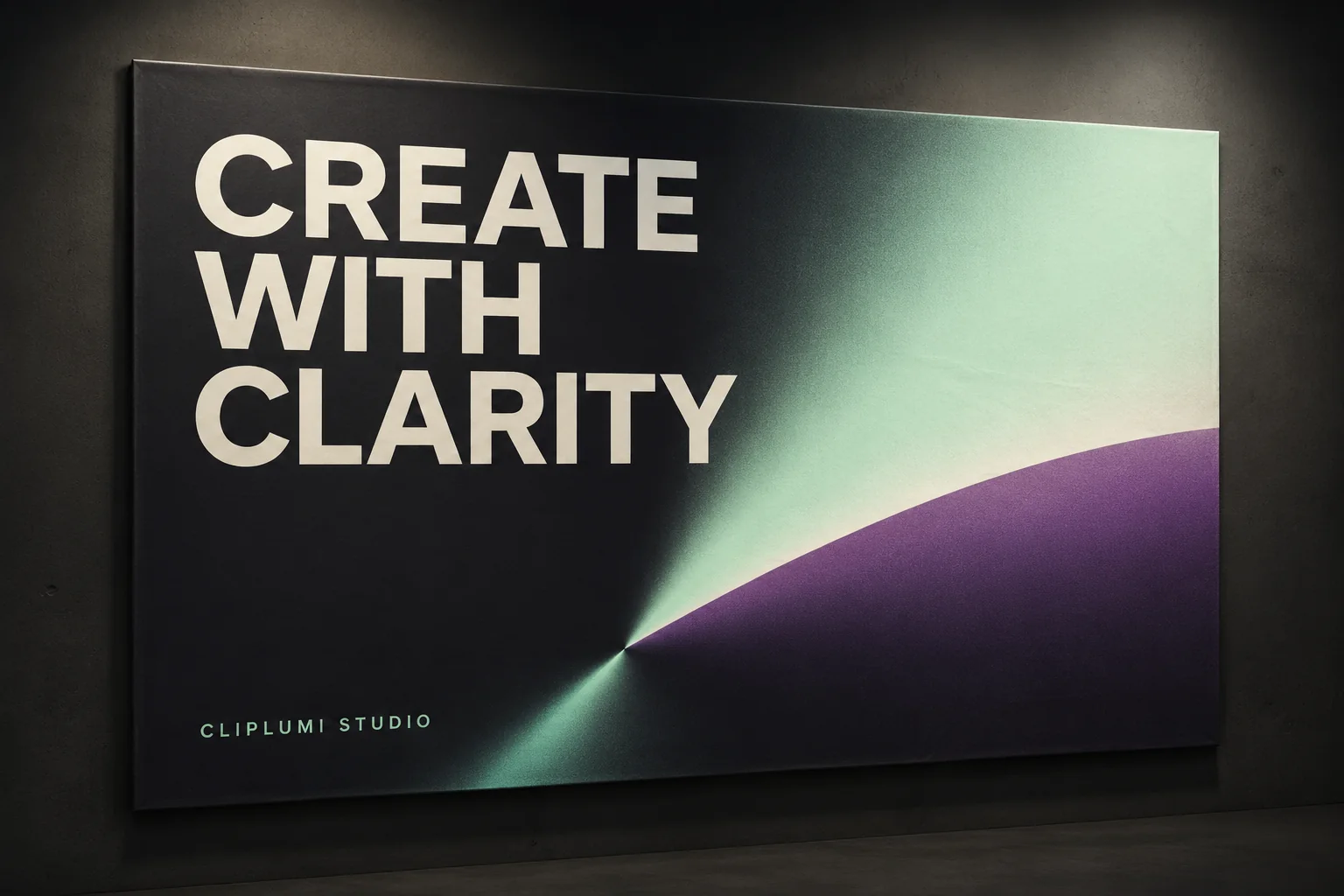
Keep the copy short, quote the exact words, describe hierarchy and contrast, and explicitly block extra text. Generated lettering still needs final review, especially for pricing, packaging, legal, medical, financial, or brand-critical content.
Can I use these prompts with reference images?
Yes. When you attach a reference in ClipLumi, tell the prompt what that image controls. For example, use reference 1 as the authority for product shape and label placement, then describe the environment and lighting you want to change. GPT Image 2 currently accepts up to three reference images in the ClipLumi workflow.
What should I do when the first image is almost right?
Freeze the parts that already work and correct one or two visible issues. A focused second prompt such as keep the current composition and lighting, restore the original label proportions, and soften the shadow is easier to compare than rewriting the full creative brief.
Can I copy these prompts exactly?
Yes, but they are designed as templates. Replace the subject, product, text, environment, camera, and constraints with details from your own task. The value is the structure, not the exact nouns in the example.
How do I test GPT Image 2 against another model fairly?
Use the same prompt, aspect ratio, reference images, and comparable output settings for the first comparison. Save the first valid output from each model, score the criteria that matter to your task, and only then change the prompt. This reduces the chance that prompt changes are mistaken for model differences.