ClipLumi

GPT Image 2 AI Image Generator

Turn detailed directions into polished images with ClipLumi. Start from text or add reference images, then choose only the aspect ratios, resolution, quality, quantity and styles supported by the active model. The generator shows the exact credit cost before any task is created.

Reference

0 / 2,000
AI Enhance
Model
Aspect ratio
Aspect ratio
Output number
Output number
Fast Mode

What GPT Image 2 Helps You Create

GPT Image 2 is designed for briefs where the details matter. Use it to follow layered instructions, place short copy inside a composition, build campaign-ready concepts, or shape believable people and environments—while keeping model limits, output controls and credit cost visible in ClipLumi.

A richly detailed architect studio at blue hour with models, plans, rain-lit windows and realistic materials

Keep a layered brief on course

Complex image briefs often combine a main subject, supporting objects, spatial relationships, camera position, materials, lighting and a list of details that must not disappear. GPT Image 2 gives you a stronger starting point for these dense instructions. In ClipLumi you can refine the prompt while the supported controls stay close, making it easier to preserve the intent of the whole scene instead of reducing it to a few keywords.
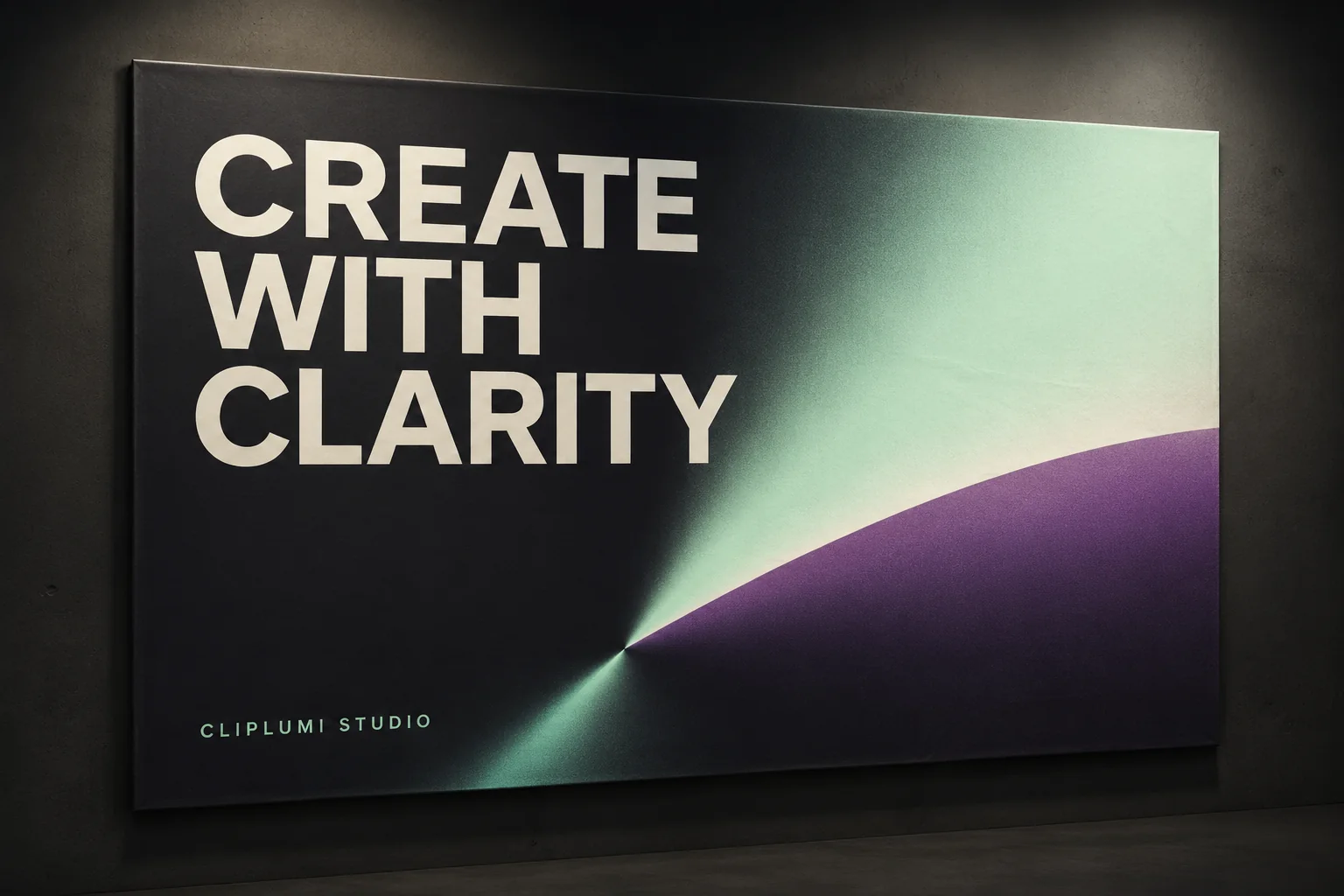
An original ClipLumi studio poster with the clear headline CREATE WITH CLARITY

Make short copy part of the composition

Posters, covers, menus and social graphics need words that feel designed into the image rather than pasted on afterward. GPT Image 2 can produce more useful short headlines and labels while following layout, hierarchy and art-direction instructions. Treat generated lettering as a creative draft: keep the copy concise, request clear contrast, and always review spelling, punctuation and brand details before publishing a final commercial asset.

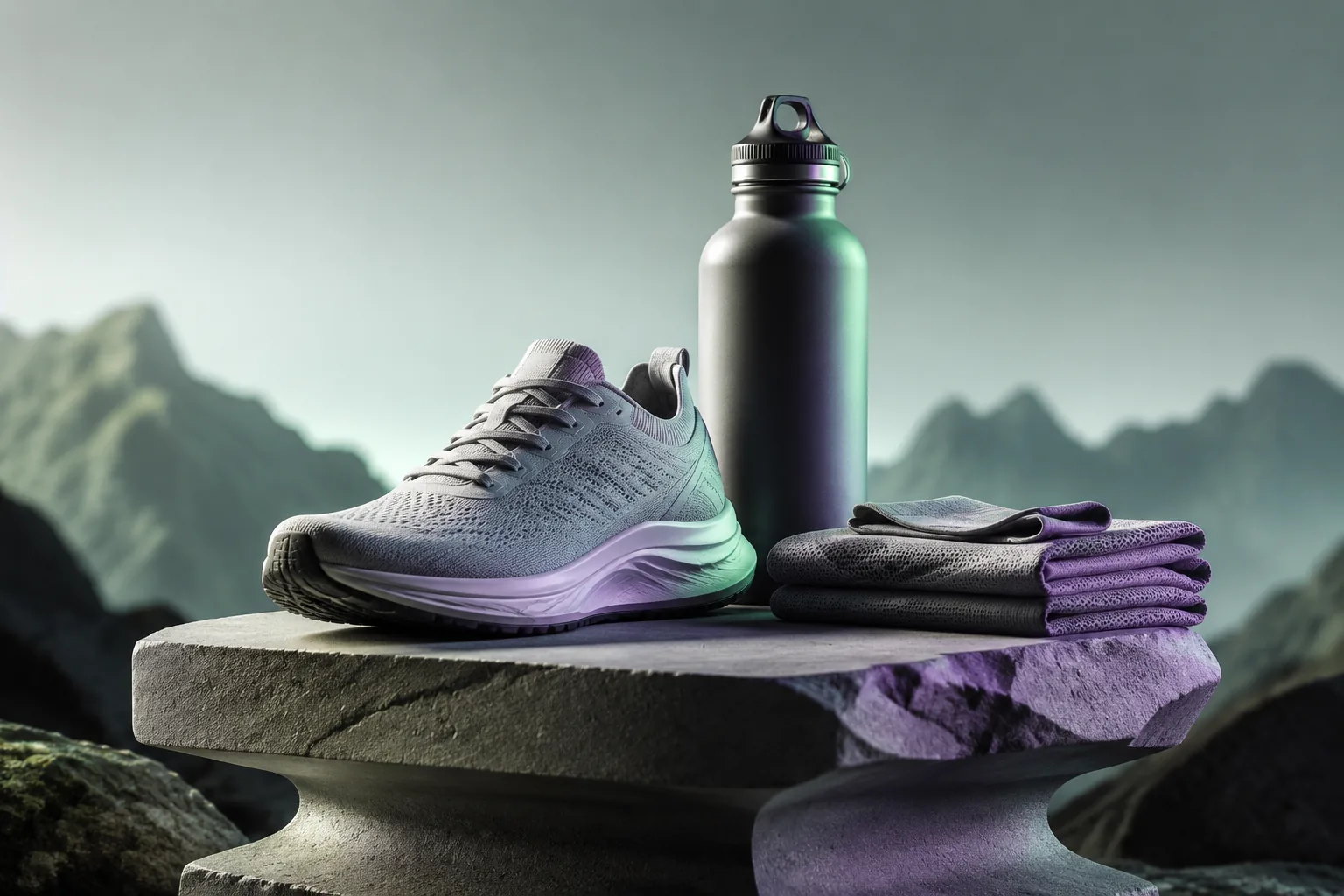
An original commercial still life with an unbranded shoe, bottle and fabric on sculpted plinths

Move from product brief to campaign concept

Use GPT Image 2 to explore ecommerce hero shots, launch posters, packaging directions and campaign compositions from one detailed brief. You can describe the camera angle, surfaces, props, shadows, color system and placement of negative space for copy. The result can accelerate art direction and stakeholder review while keeping the practical final checks—accurate product shape, approved logos, legal copy and color consistency—in your normal production workflow.

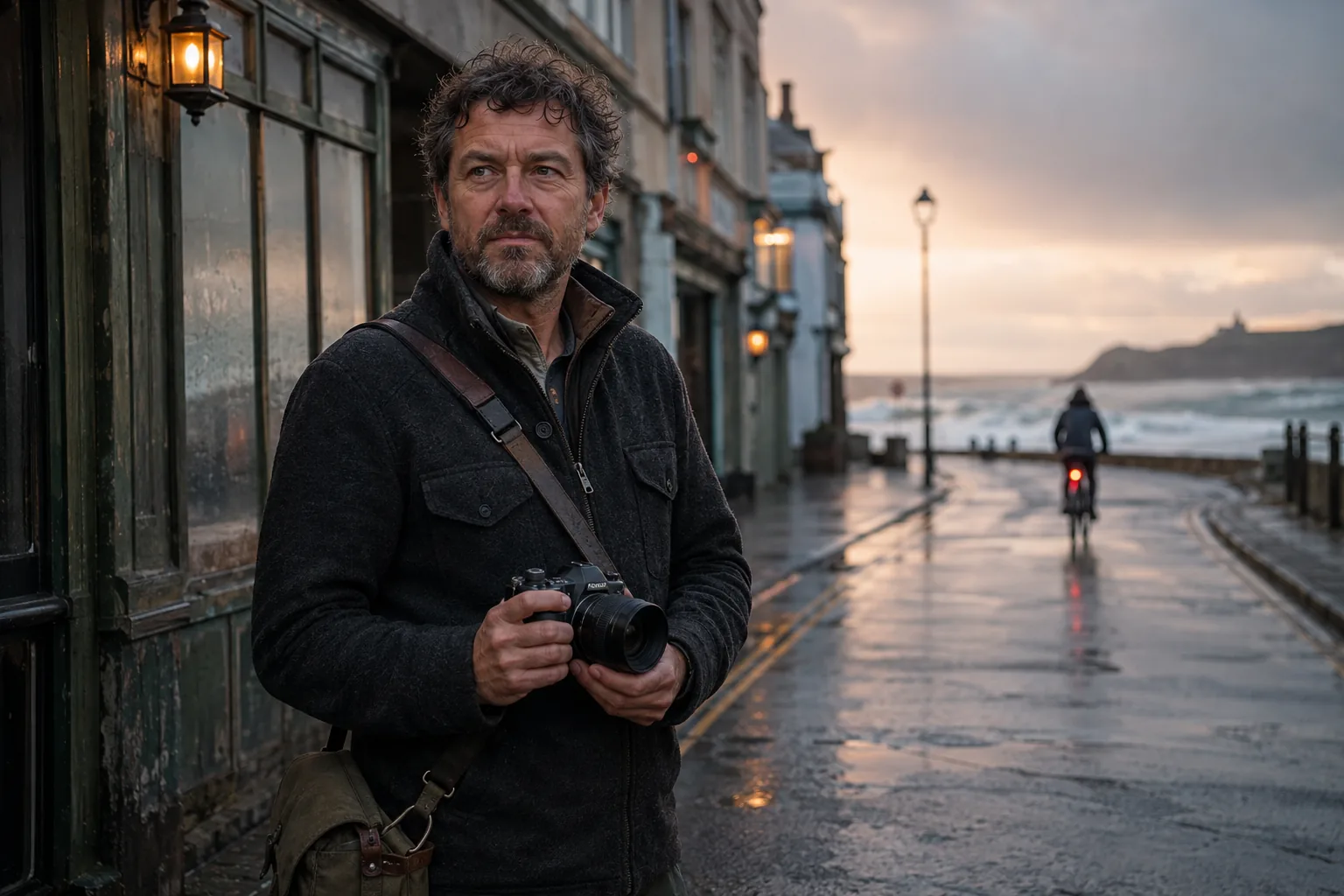
A photoreal documentary scene of a photographer at a rainy coast with a distant lighthouse

Shape believable people, places and light

Photoreal work depends on more than surface detail. Describe the person, environment, time of day, lens character, depth of field, weather, practical light and natural imperfections that make a photograph feel observed. GPT Image 2 can translate that direction into convincing portrait and lifestyle concepts. ClipLumi keeps ratio, quality and output options tied to the current registry so you can explore a scene without promising settings the model does not support.

Explore Other AI Image Models

Keep the same ClipLumi workflow and compare other current models for flexible reference editing, cinematic art direction, portraits, illustration and different production needs.

Choose a ClipLumi Plan

Use a subscription for ongoing creation or choose a credit pack for occasional projects. The generator calculates each request from the selected model and settings.

Pro

-50%
$20$10/month

Billed annually · $240$120/year

Choose Pro

Available image models

FLUX SchnellFLUX.2 Klein 4BGPT Image 2GPT Image 1.5Nano Banana 2 LiteSeedream 5.0 ProNano Banana 2Seedream 5.0 LiteSeedream 4.5
  • 2,000 credits with monthly billing or 24,000 with yearly billing
  • Watermark-free downloads while paid credits remain
  • Priority processing
  • Private generation history
  • Use credits across all available image models
Recommended

Ultimate

-50%
$40$20/month

Billed annually · $480$240/year

Choose Ultimate

Available image models

FLUX SchnellFLUX.2 Klein 4BGPT Image 2GPT Image 1.5Nano Banana 2 LiteSeedream 5.0 ProNano Banana 2Seedream 5.0 LiteSeedream 4.5
  • 5,000 credits with monthly billing or 60,000 with yearly billing
  • Watermark-free downloads while paid credits remain
  • Priority processing
  • Full privacy — outputs stay in your account
  • Use credits across all available image models

Max

-50%
$80$40/month

Billed annually · $960$480/year

Choose Max

Available image models

FLUX SchnellFLUX.2 Klein 4BGPT Image 2GPT Image 1.5Nano Banana 2 LiteSeedream 5.0 ProNano Banana 2Seedream 5.0 LiteSeedream 4.5
  • 10,000 credits with monthly billing or 120,000 with yearly billing
  • Watermark-free downloads while paid credits remain
  • Priority processing
  • Full privacy — outputs stay in your account
  • Use credits across all available image models

GPT Image 2 FAQs

Practical answers about prompts, references, supported controls, credits, sign-in and where results appear.

  1. 1

    What is GPT Image 2 in ClipLumi?

    GPT Image 2 is one of the image models available through ClipLumi's shared generator. This page selects it by default and presents the aspect ratios, resolution, quality levels, output counts, reference limits and styles registered for that model rather than a separate set of page-specific options.

  2. 2

    What kinds of prompts work well with GPT Image 2?

    Write the main subject and action first, then describe the setting, composition, camera position, lighting, materials, color relationships and any must-keep details. Long prompts are useful when each instruction is concrete and visual; repeated vague quality words usually add less value than clear relationships and constraints.

  3. 3

    Can GPT Image 2 create readable text inside images?

    It can create more useful short headlines, labels and typographic layouts than many earlier image workflows. Keep text concise, spell it exactly in the prompt and request clear hierarchy and contrast. Generated text still needs human review before publishing, especially for legal, pricing, packaging or brand-critical copy.

  4. 4

    Can I use GPT Image 2 for product images and posters?

    Yes. It is suited to concepting ecommerce imagery, campaign still lifes, posters, covers, packaging directions and other commercial visuals. Describe product geometry, camera angle, materials, surface, lighting, negative space and layout. Verify exact product details, trademarks and approved brand assets before final use.

  5. 5

    Can GPT Image 2 create photoreal people and scenes?

    Yes. Describe natural skin and fabric detail, the environment, weather, time of day, lens character, depth of field and practical light. A believable photographic result usually comes from coherent scene direction rather than simply adding the word photorealistic many times.

  6. 6

    Can I add reference images?

    Yes, while the selected model supports image editing. ClipLumi reads the active model's reference-image limit from the registry. If you switch to a model that does not support image editing, the shared generator blocks a reference-backed request instead of sending an incompatible task.

  7. 7

    How are credits calculated?

    ClipLumi calculates the exact cost from the active model, quality, output count, resolution and number of input images. The displayed total comes from the shared AI Work cost function, so this page does not maintain a separate hard-coded price. If your balance is too low, the existing upgrade dialog opens before a work request is created.

  8. 8

    Do I need to sign in, and where do results go?

    You can explore the page and configure the generator without signing in. Clicking Generate as a guest opens the existing sign-in dialog and does not create an AI task. Successful signed-in work enters the existing ClipLumi app History and Results experience, where you can review the outputs and continue editing.

Build Your Next Image with GPT Image 2