ClipLumi

AI Photo Restoration – Restore Old Photos Online

Use AI photo restoration to restore old photos online: repair scratches, reduce fading and noise, recover natural contrast and facial detail, and enhance old photos while keeping people, framing and period character recognizable.

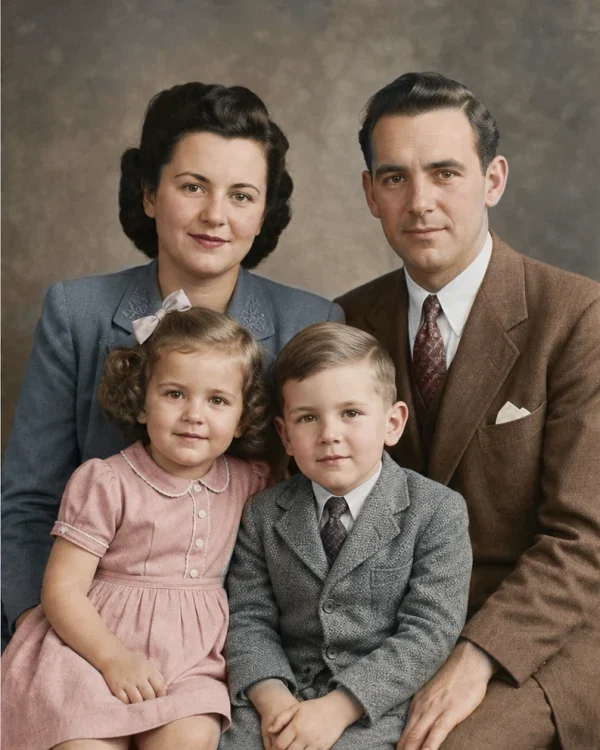
After restoration
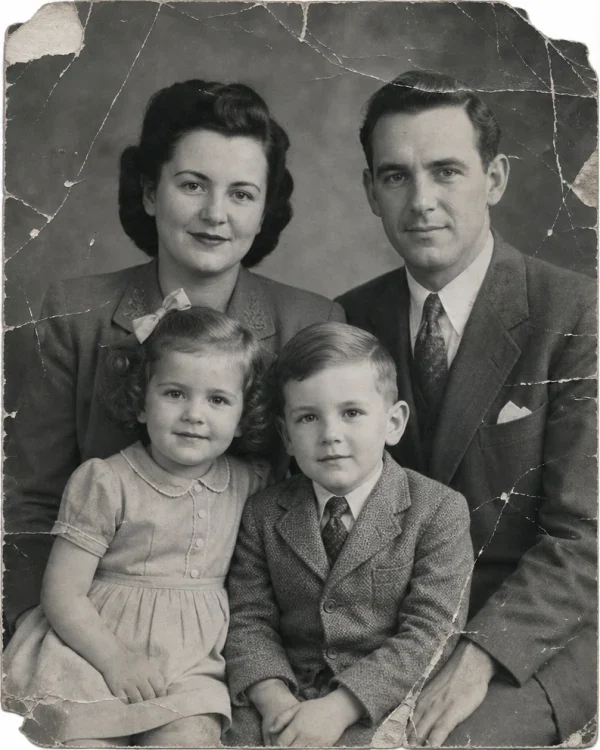
Before restoration
Before restorationAfter restoration

AI Photo Restoration for Every Kind of Old Photo

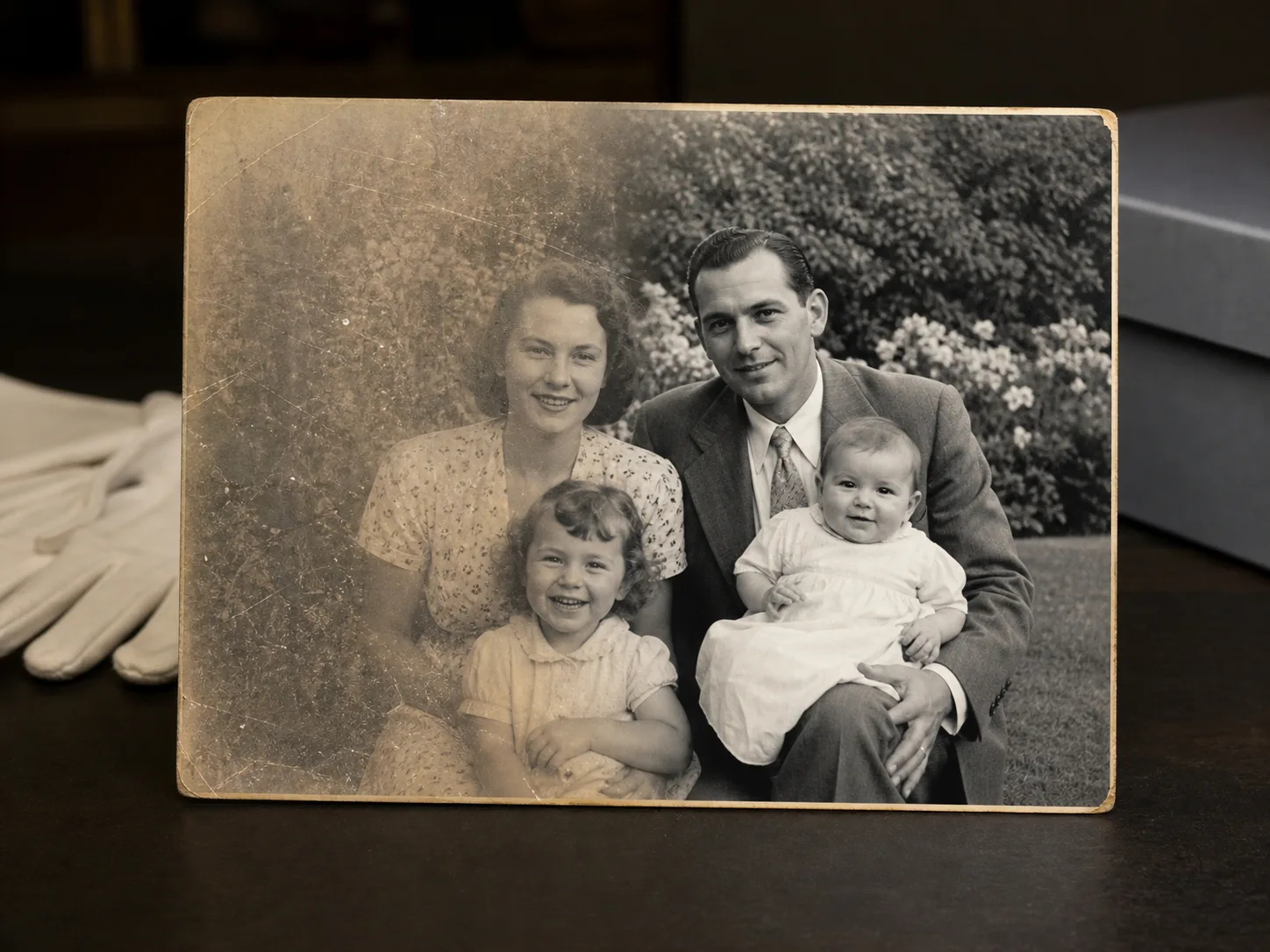
Use AI photo restoration for scratched portraits, faded prints and family archives. Restore old photos online with faithful detail recovery, natural color and practical archive preparation.

Repair Scratches, Fading and Photo Damage
01

Repair Scratches, Fading and Photo Damage

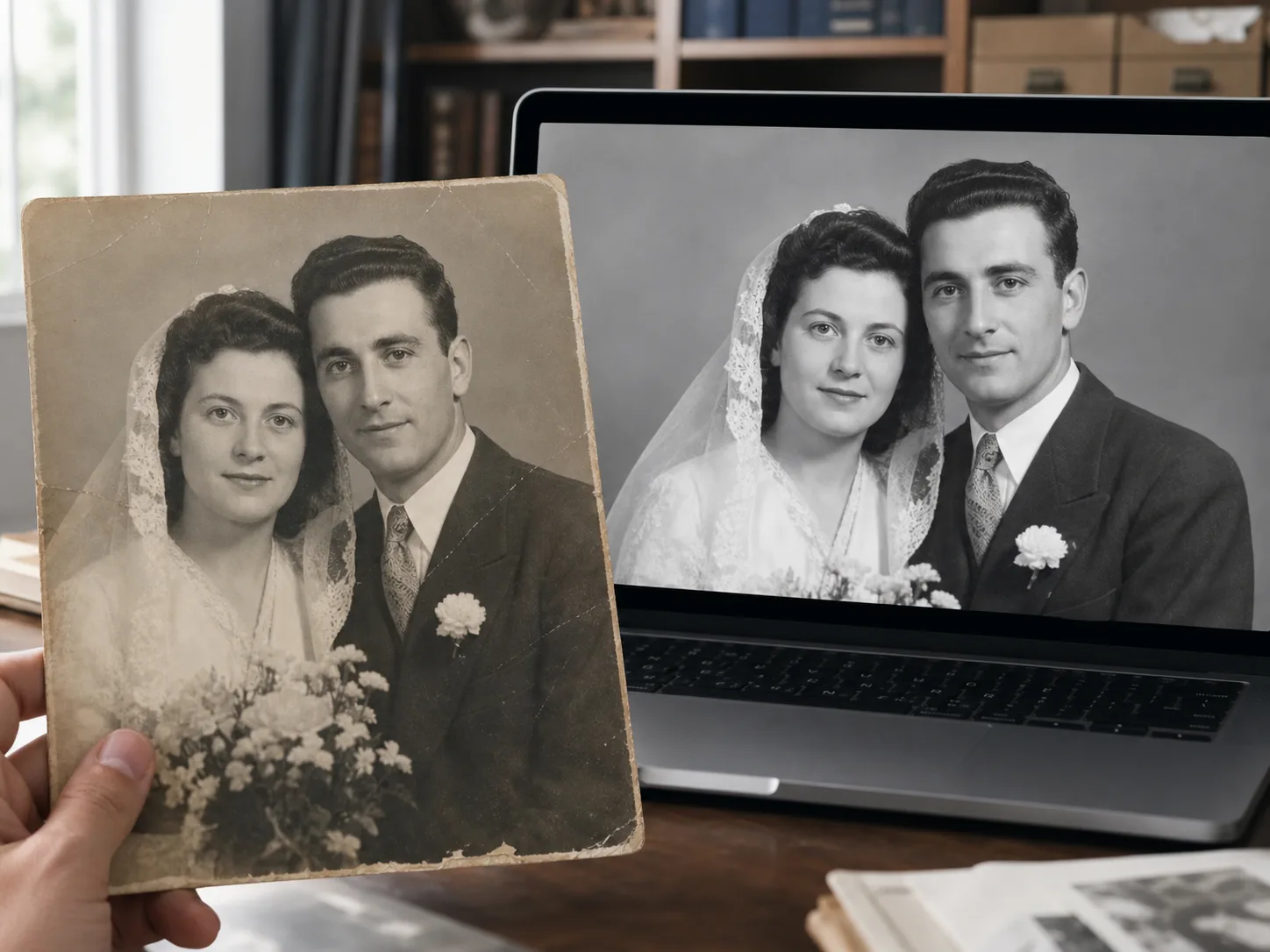
AI photo restoration can reduce visible scratches, dust-like noise, creases, fading, weak contrast and soft edges. It gives a dull scan a cleaner digital surface while retaining the texture that makes an old photograph feel authentic. This makes the same workflow useful for photo repair, image restoration and fixing an old image before it is shared.

Restoration is not evidence recovery. When a face, handwritten note or large torn area is missing, a model may infer plausible pixels rather than recover historical truth. Compare important regions with the source and keep the untouched scan beside every restored version. If you are learning how to restore old photos, start with the highest-quality scan you can make instead of asking AI to rebuild detail that is not present.
AI Old Photo Restoration That Preserves Faces
02

AI Old Photo Restoration That Preserves Faces

A faithful AI old photo restoration should keep identity, pose, expression, clothing, background and period character stable. ClipLumi asks for natural skin texture and restrained detail recovery so a family portrait does not turn into a glossy modern beauty image.

Inspect eye shape, hairline, jewelry, uniforms, hands and background objects after restoration. If a distinctive feature changes, treat the result as an interpretation and retry from a better scan instead of replacing the original memory. When AI restores old photos, preserving recognizable people matters more than maximizing sharpness in every pixel.

Enhance Old Photos with Natural Color and Clarity
03

Enhance Old Photos with Natural Color and Clarity

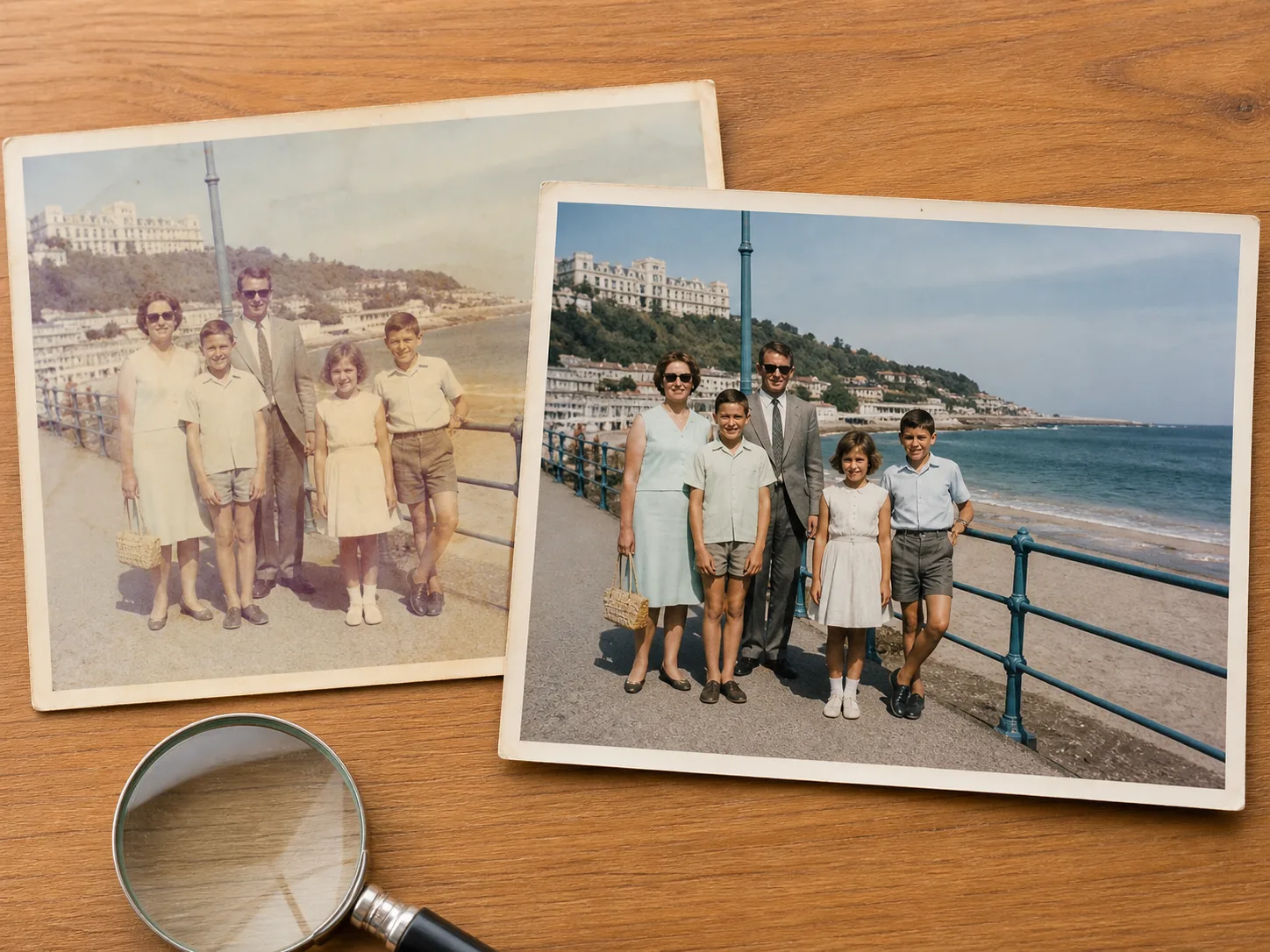
Faded prints often lose separation between skin, fabric and background before they become obviously damaged. Photo restoration AI can improve old photo quality by recovering balanced contrast, reducing color casts and clarifying edges without pushing every surface into artificial sharpness or neon color.

The fixed workflow may infer natural color, including on some black-and-white photos, but it does not include a separate Colorize switch. Inferred colors are not historical proof, so verify important uniforms, objects and family records against trusted sources. Use the restored version as a clearer viewing copy while keeping the original scan as the reference record.

Restore Old Photos Online for Family Archives and Reprints
04

Restore Old Photos Online for Family Archives and Reprints

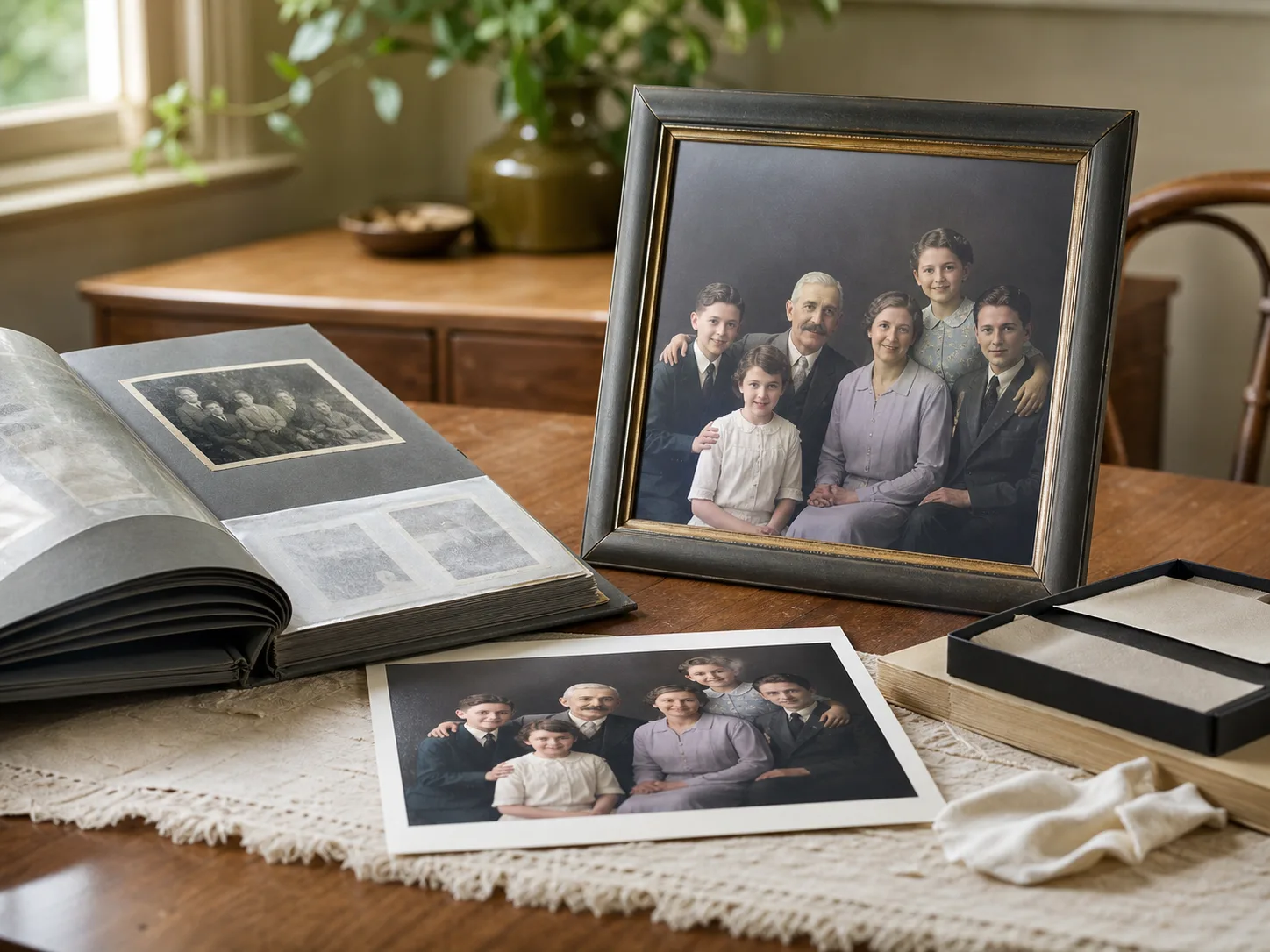
Restore old photos online to make family albums, genealogy records, memorial portraits and digital archives easier to organize and share without repeatedly handling a fragile print. Save the original scan, the restored copy and any known names, dates or locations as separate records.

For a larger reprint, restore and inspect the content first. Then use the image upscaler only when you need more output resolution. ClipLumi now reads the uploaded image shape and selects the closest supported restoration ratio instead of forcing every result into a square, helping common photo formats stay closer to the original framing.

Upscale a checked restoration

AI Photo Restoration FAQ

Straight answers about restoring old photos online, supported files, credits, privacy, color, identity and realistic limitations.

  1. 1

    How do I restore old photos online?

    Upload one JPG, PNG or WebP, choose Restore photo, then follow the signed-in task in Results and History. Compare the completed result with the original before downloading.

  2. 2

    Can AI photo restoration repair scratches and faded areas?

    It can reduce scratches, dust-like noise, fading and weak contrast, and refine some soft details. Results depend on what remains in the scan; missing regions cannot be guaranteed.

  3. 3

    Can I restore an old photo online for free?

    Uploading and previewing are free. Real AI generation requires sign-in and the ClipLumi credits shown beside Generate; ClipLumi does not promise unlimited free photo restoration.

  4. 4

    Will AI photo restoration change the faces in my picture?

    The prompt asks for preserved identity, expression and skin texture, but unclear pixels may still be inferred. Compare eyes, mouth, hairline and distinctive features with the original.

  5. 5

    How can I improve old photo quality before restoration?

    Use the best scan available. Keep it flat, evenly lit and free from glare or perspective tilt, preserve its aspect ratio, and avoid repeatedly sharpening or compressing it.

  6. 6

    Does AI photo restoration colorize black-and-white photos?

    The fixed workflow may infer natural color, but it has no separate Colorize switch. Inferred color is not historical proof, so verify important details against other sources.

  7. 7

    Is photo restoration the same as image upscaling?

    No. Restoration addresses scratches, fading, noise and damaged detail; upscaling increases pixel dimensions. Restore and verify first, then upscale when you need a larger file.

  8. 8

    Can severely damaged old photos always be restored?

    No. AI can make a plausible interpretation when pixels are missing, but cannot prove the original face, text or background. Keep the source scan and review reconstructed areas carefully.

  9. 9

    Which image formats are supported?

    The page accepts one JPG, PNG or WebP up to 10 MB. Use a clear source file instead of a screenshot or repeatedly compressed copy.

  10. 10

    Are uploaded family photos private?

    ClipLumi does not publish uploads or results to a public gallery. Signed-in tasks belong to private account History and are handled under the Privacy Policy.

  11. 11

    How many credits does old photo restoration use?

    The button shows the live registry cost. The current FLUX.2 Klein 4B workflow uses 2 credits for one result; rely on the displayed amount if pricing changes.

  12. 12

    Can I restore old photos on a phone without installing an app?

    Yes. Use a modern mobile browser and choose a supported image from your phone. After submission, mobile switches to History so you can follow processing without an app.

  13. 13

    Does AI photo restoration keep the original aspect ratio?

    ClipLumi reads the uploaded image shape and chooses the closest aspect ratio supported by the restoration model instead of forcing every photo to 1:1. Common portrait, landscape and square photo formats therefore stay much closer to the source. Very unusual ratios may be mapped to the nearest supported shape.

Bring Your Old Photos Back into Focus

Upload the best scan you have. ClipLumi will show the current credit cost before it starts, then keep the restoration connected to your private History.