Upload a Clear Source Image
Use a sharp, high-quality photo with the details you want to keep.
Upload a photo and describe the exact change and details to preserve. New accounts start with 1 free credit, and model costs are shown before generation.
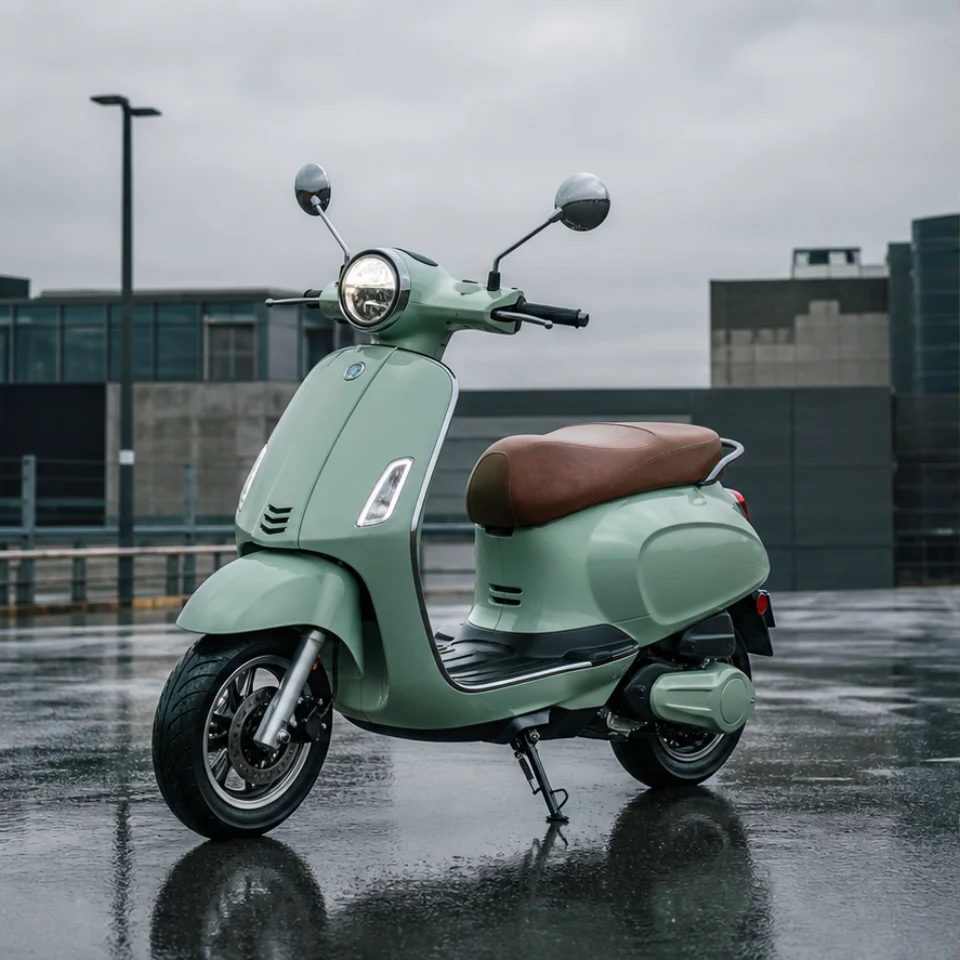
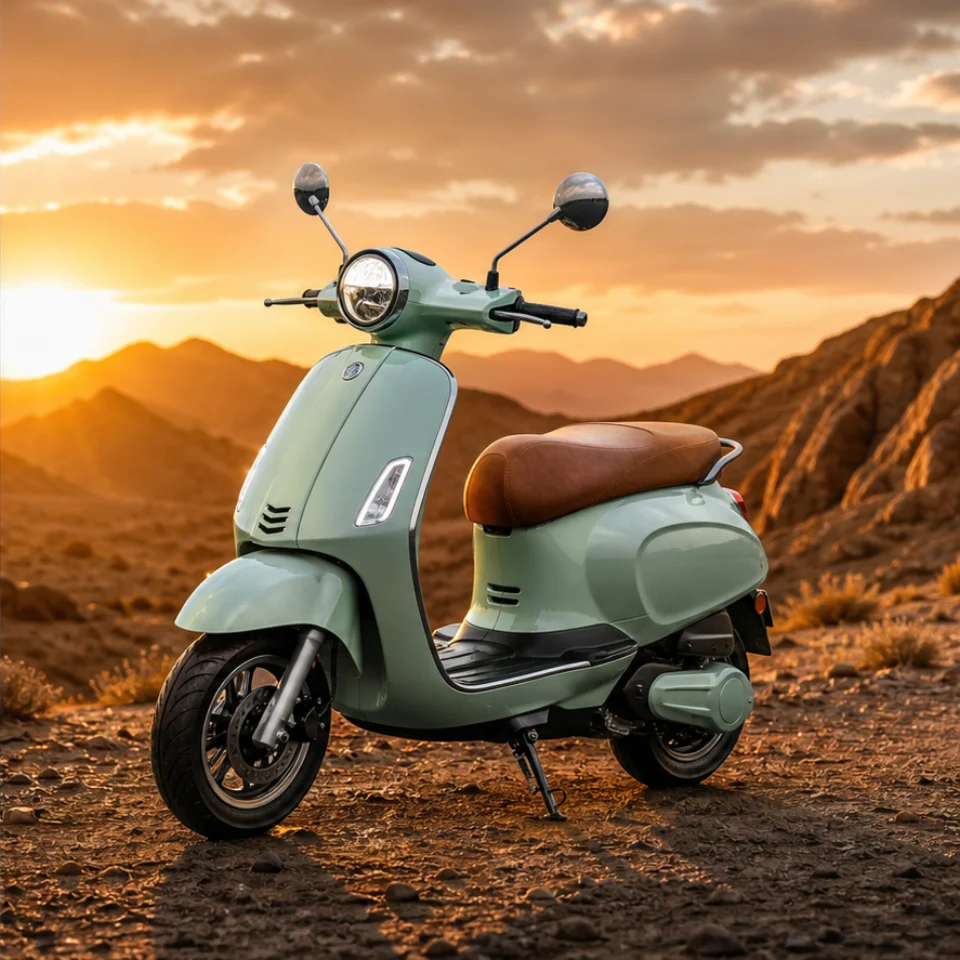
Lighting change
Change to a warm desert mountain sunset
Prompt examples
Compare before-and-after examples for background replacement, lighting changes, style conversion, color edits, and non-deceptive photo cleanup, then reuse any prompt in the editor above.
Separate the subject cleanly and place it in a new environment with matched perspective, light, and edge detail.
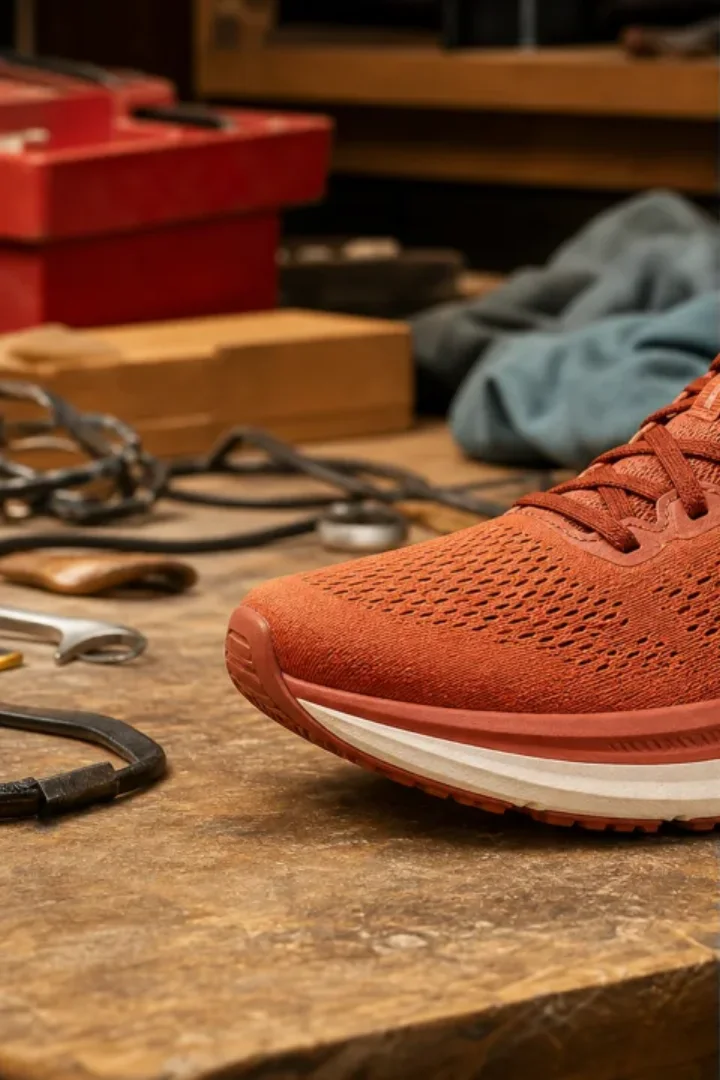
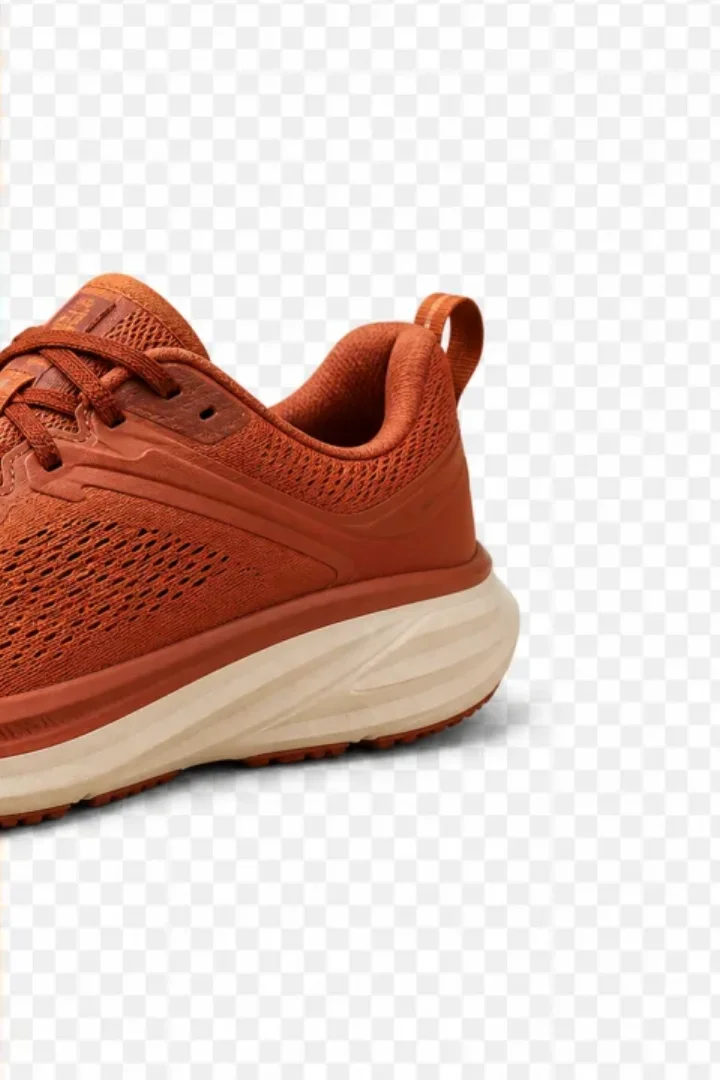
Use the AI image editor in four simple steps: upload a clear photo, describe the change, choose your settings, then generate and refine.
Use a sharp, high-quality photo with the details you want to keep.
Say what to change and what must stay the same, such as identity, pose, clothing, lighting, or camera angle.
Select the model, aspect ratio, resolution, quality, and style for the final use.
Review the result and adjust one detail at a time for cleaner revisions.
Better AI image editing prompts are clear and specific: say what should change and what must stay the same.
Start with the edit—remove, replace, retouch, enhance, recolor, or restyle—then list what should stay unchanged.
Mention perspective, lighting, shadows, color, and materials when adding or replacing content.
After each result, correct one issue at a time, such as edges, skin texture, lighting, scale, or sharpening.
Use one AI image editor for background replacement, object removal, photo enhancement, style transformation, color and lighting correction, and fast prompt-based iteration.
Keep the prompt, model, aspect ratio, resolution, quality, and style settings together in one focused editing workspace.
Describe what should change and name the identity, pose, product shape, composition, lighting, or edges that must stay consistent.
Reuse practical prompts, adjust one setting at a time, and compare editing directions without rebuilding the task.
Sign in to keep generations connected, revisit previous results, continue editing, and manage credits from your ClipLumi account.
Explore background, lighting, style, color, cleanup, enhancement, and non-deceptive photo-correction workflows from one AI image editor.
Transparent AI image pricing with monthly plans, yearly plans, and one-time credit packs. New accounts start with 1 free credit, and the exact model cost is shown before generation.
Billed annually · $240$120/year
Choose ProAvailable image models
 FLUX SchnellFLUX.2 Klein 4B
 GPT Image 2GPT Image 1.5
 Nano Banana 2 Lite
 Seedream 5.0 ProNano Banana 2Seedream 5.0 LiteSeedream 4.5
Billed annually · $480$240/year
Choose UltimateAvailable image models
FLUX SchnellFLUX.2 Klein 4BGPT Image 2GPT Image 1.5Nano Banana 2 LiteSeedream 5.0 ProNano Banana 2Seedream 5.0 LiteSeedream 4.5Billed annually · $960$480/year
Choose MaxAvailable image models
FLUX SchnellFLUX.2 Klein 4BGPT Image 2GPT Image 1.5Nano Banana 2 LiteSeedream 5.0 ProNano Banana 2Seedream 5.0 LiteSeedream 4.5Answers about editing images with AI prompts, supported formats, backgrounds, object removal, enhancement, styles, and iterative editing.
An AI image editor changes an existing photo with artificial intelligence and text instructions. Common edits include removing objects, replacing backgrounds, adjusting lighting, enhancing details, retouching portraits, and converting visual styles.
Upload a JPG, PNG, or WebP image, describe what should change and what should stay consistent, choose your model and output settings, sign in, then generate and refine the result in the same workspace.
Yes. New accounts receive 1 free credit valid for 30 days. Sign in to use it, generate images, save history, continue editing, and manage credits.
You can explore background replacement, object removal, lighting changes, color adjustments, image enhancement, portrait retouching, outfit changes, and illustration-style transformations.
The editor accepts JPG, PNG, and WebP images up to 20 MB.
Yes. Describe the new environment and specify that the subject, pose, perspective, lighting direction, and edge detail should remain consistent.
The available controls let you choose resolution, quality, AI enhancement, aspect ratio, and model settings while refining the prompt for sharper and more polished results.
No. The prompt examples and visual controls are designed to make common edits approachable without learning layers, masks, or a complex professional toolbar.
Yes. Keep the uploaded image, revise the prompt, switch the style or model, adjust output settings, and generate another editing direction without leaving the page.