ClipLumi

AI Text to Image Generator

Describe the image you want, choose an AI model and output settings, then turn your prompt into a new image. Add references only when you want extra visual guidance and the selected model supports them.

Reference

0 / 2,000
AI Enhance
Model
Aspect ratio
Aspect ratio
Output number
Output number
Fast Mode

Popular Text to Image AI Models

Compare models for prompt accuracy, polished text and product visuals, cinematic realism, flexible composition, speed, and credit cost.

Prompt Ideas

Explore the same curated creative directions featured in ClipLumi's AI Photo Editing Ideas. Choose any image to load its prompt, then adapt the subject, setting, composition, lighting, and style.

One Prompt, Four Ways to Create the Image You Need

Shape a complete scene, compare model strengths, design polished commercial visuals, or explore a wider creative range without leaving the ClipLumi text-to-image workspace. Your model controls and exact credit cost stay visible before generation.

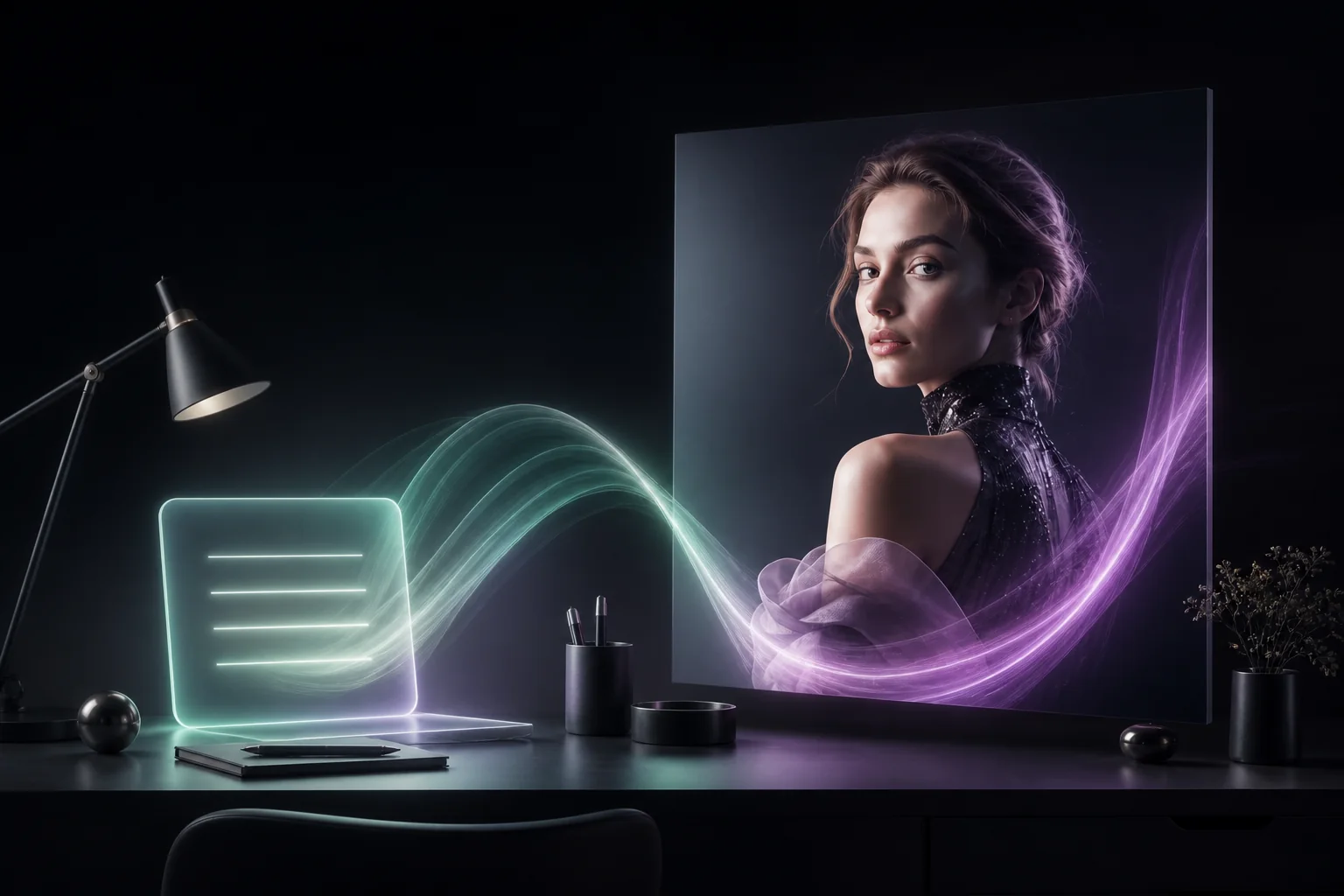
A glowing plain-language prompt flowing into a finished editorial portrait in the ClipLumi visual style

Shape a complete scene with everyday language

Describe the subject, setting, composition, light, and mood in a natural sentence. ClipLumi keeps the useful controls close, so you can move from a rough idea to a polished image without learning a separate prompt language.
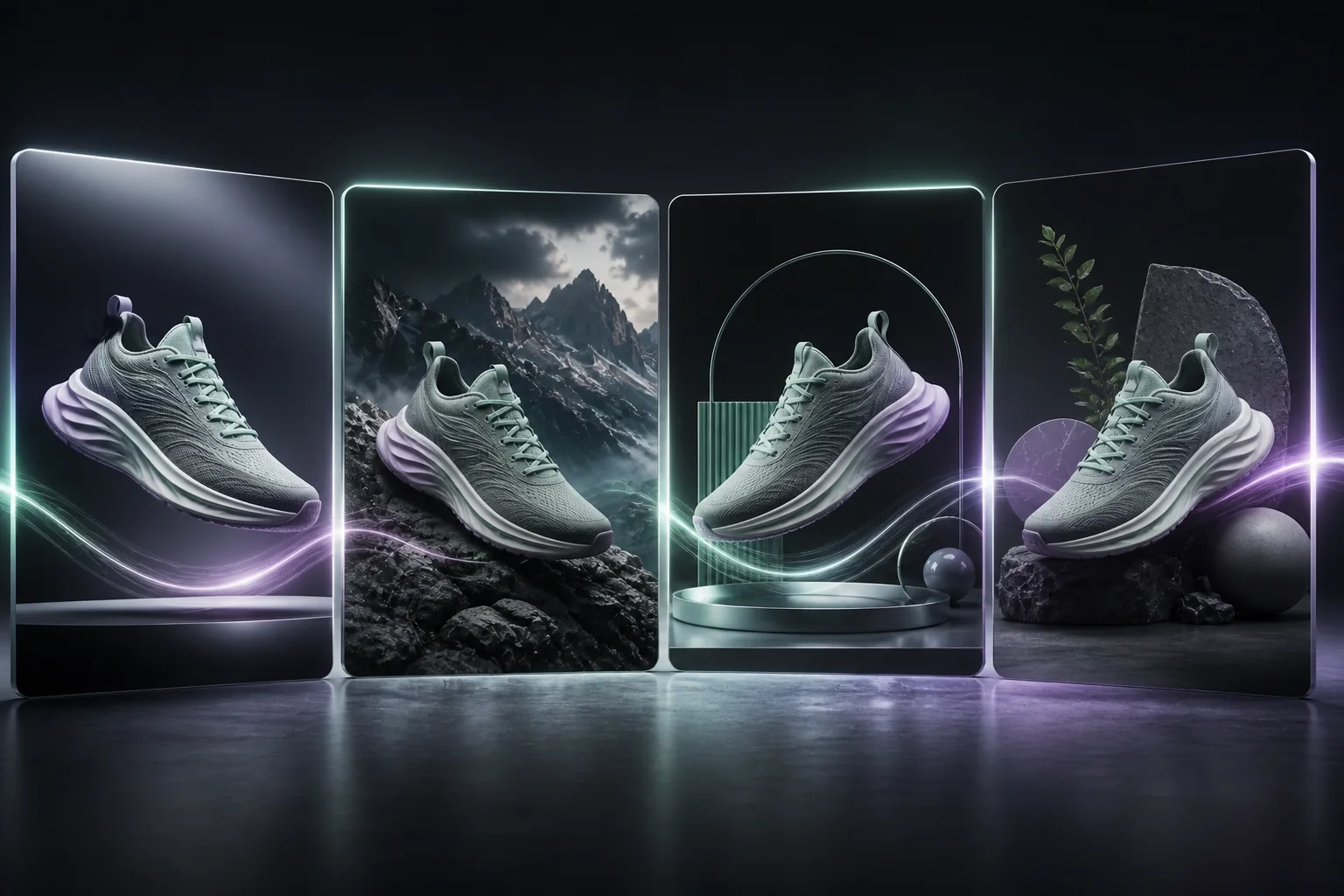

The same unbranded running shoe shown in four distinct AI model directions

Choose a model that fits the job

Keep the prompt and switch the model instead of rebuilding the workflow. Compare GPT Image 2, Nano Banana 2, Seedream, and a fast FLUX draft by the qualities that matter for your image, including detail, composition, realism, typography, speed, and credit cost.

A luxury perfume campaign with the clear headline AURA in mint and violet studio light

Design commercial visuals with readable copy

Build poster, menu, packaging, campaign, and product concepts with models suited to instruction following and image text. ClipLumi gives you a strong starting point, while keeping spelling and brand-detail review in your final publishing workflow.

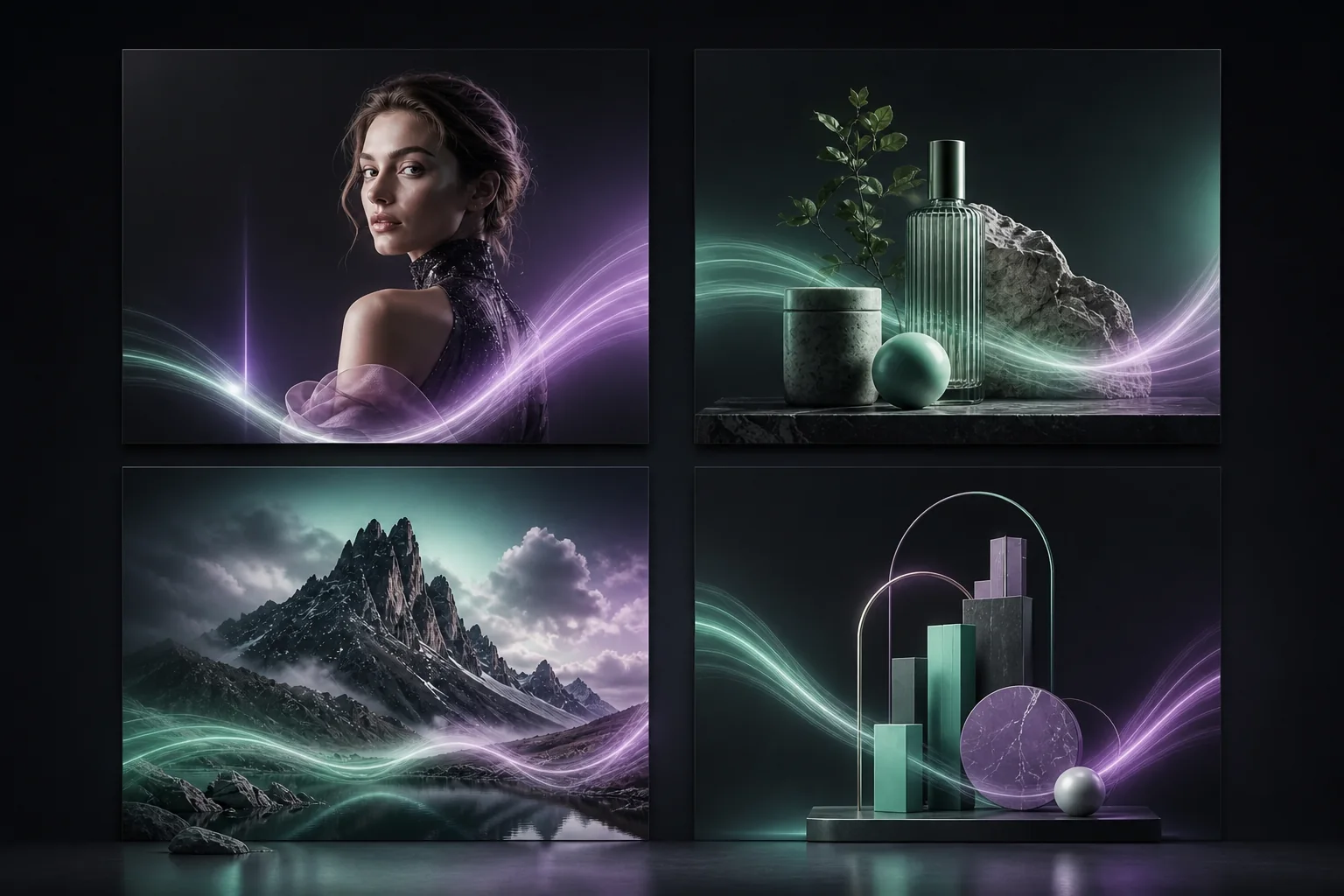
A four-panel gallery of portrait, product, landscape, and geometric infographic visuals

Create beyond a single visual style

Use one generator for editorial portraits, ecommerce hero images, social covers, cinematic landscapes, presentation visuals, and clean geometric infographic concepts. Save the result to History, then continue with a reference edit or variation.

Keep Exploring ClipLumi

Move from text generation into reference editing, focused photo edits, or guided image templates.

Choose Your Plan

Choose a plan for regular creation, or use a credit pack when you generate occasionally.

Pro

-50%
$20$10/month

Billed annually · $240$120/year

Choose Pro

Available image models

FLUX SchnellFLUX.2 Klein 4BGPT Image 2GPT Image 1.5Nano Banana 2 LiteSeedream 5.0 ProNano Banana 2Seedream 5.0 LiteSeedream 4.5
  • 2,000 credits with monthly billing or 24,000 with yearly billing
  • Watermark-free downloads while paid credits remain
  • Priority processing
  • Private generation history
  • Use credits across all available image models
Recommended

Ultimate

-50%
$40$20/month

Billed annually · $480$240/year

Choose Ultimate

Available image models

FLUX SchnellFLUX.2 Klein 4BGPT Image 2GPT Image 1.5Nano Banana 2 LiteSeedream 5.0 ProNano Banana 2Seedream 5.0 LiteSeedream 4.5
  • 5,000 credits with monthly billing or 60,000 with yearly billing
  • Watermark-free downloads while paid credits remain
  • Priority processing
  • Full privacy — outputs stay in your account
  • Use credits across all available image models

Max

-50%
$80$40/month

Billed annually · $960$480/year

Choose Max

Available image models

FLUX SchnellFLUX.2 Klein 4BGPT Image 2GPT Image 1.5Nano Banana 2 LiteSeedream 5.0 ProNano Banana 2Seedream 5.0 LiteSeedream 4.5
  • 10,000 credits with monthly billing or 120,000 with yearly billing
  • Watermark-free downloads while paid credits remain
  • Priority processing
  • Full privacy — outputs stay in your account
  • Use credits across all available image models

FAQs

Questions about prompts, models, references, output settings, sign-in and credits.

  1. 1

    What is a text-to-image AI generator?

    A text-to-image AI generator turns a written description into a new image. You describe the subject, setting, composition, lighting and style, then the model creates pixels that match that prompt rather than searching for an existing picture.

  2. 2

    How do I write a good AI image prompt?

    Start with the main subject and action, then add the environment, camera or composition, lighting, materials and style. Concrete visual instructions are usually more useful than a long list of vague quality words.

  3. 3

    Which AI model should I use for text-to-image?

    The best model depends on the task. ClipLumi offers models with different strengths in prompt following, text rendering, photorealism, illustration, resolution, speed and credit cost. Start with the Popular Models section and compare a few models using the same prompt.

  4. 4

    Can I add reference images to a text-to-image prompt?

    Yes, when the selected model supports image references. A reference can guide subject, composition or style, but once references are attached the task becomes reference-guided generation and ClipLumi will require a compatible edit-capable model.

  5. 5

    What aspect ratio should I choose?

    Use 1:1 for square assets, 4:5 or 3:4 for portrait-oriented social and editorial work, and 16:9 or wider ratios for landscapes, banners and cinematic scenes. Available ratios depend on the selected model.

  6. 6

    How many images can I generate at once?

    Supported models can create multiple outputs per request. The available count and total credit cost are shown in the generator and vary by model and output settings.

  7. 7

    Do I need to sign in before generating?

    Yes. ClipLumi requires sign-in before provider-backed generation so credits, task status and History can be attached to your account. Opening the page and configuring a prompt does not spend credits.

  8. 8

    How much does text-to-image cost?

    Credit cost depends on the selected model, output count, resolution, quality and some reference options. ClipLumi calculates the exact cost from the current model configuration before the work is created.

Turn Your Next Idea Into an Image